Top 3 Countertop POS System Alternatives 2026
Top 3 Countertop POS System Alternatives 2026
Choosing a countertop POS system without getting locked into rigid contracts or unexpected hardware fees challenges many small and growing merchants. Most leading systems tie basic plans to non-cancelable subscriptions or pass through extra costs in hardware and required add-ons. Merchants can compare contracts, hardware costs, and business features to select the best countertop POS for their needs and growth plan.
Table of Contents
Merchant Solutions Corp
At a Glance
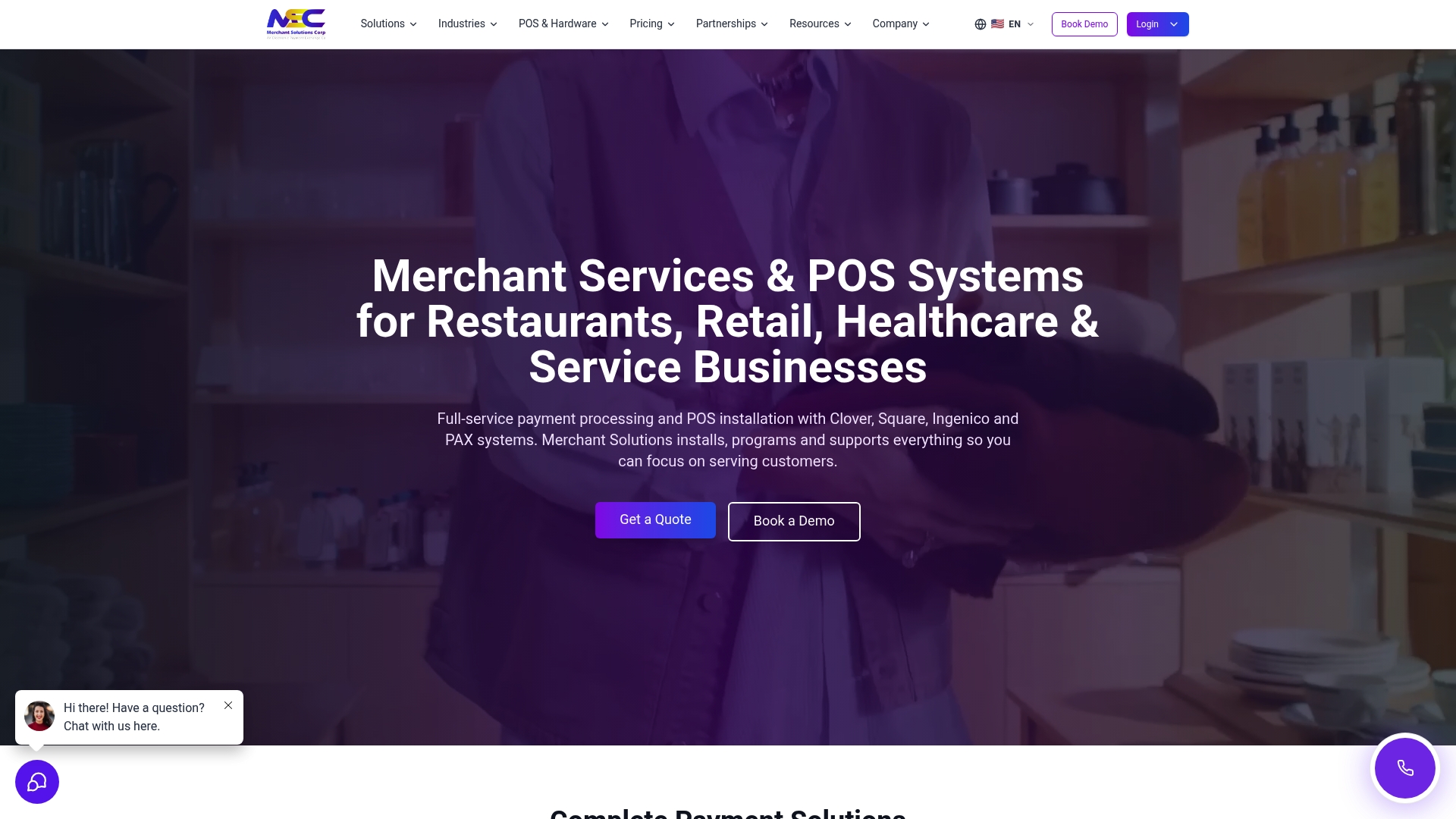
Many merchants qualify for free POS hardware programs with $0 upfront options, lowering the initial cost of a countertop POS rollout. The company covers restaurants, retail, healthcare, and high-risk merchants across the US, Canada, Puerto Rico, and the UK. Their stack pairs on-site setup in major markets with remote support for smaller locations.
Core Features
Merchant Solutions Corp combines full-service payment processing with POS installation and a selection of terminals for EMV chip and contactless payments. It supports mainstream POS platforms such as Clover and Square, plus niche systems like Exatouch and Talech. The offering also includes business loans, same-day or next-day funding options, and AI tools for voice ordering and customer notifications.
Key Differentiator
The single differentiator is the blend of industry-specific setups and funding options that let businesses scale quickly while reducing upfront hardware cost. That model suits merchants who need both tailored POS configurations and working capital during growth phases.
Pros
The product supports a wide mix of POS systems and terminals, which reduces migration friction for stores and restaurants. Free hardware placement under qualifying programs lowers the barrier to adoption and cuts initial capital outlay for small operators. Funding choices such as same-day settlement and embedded business loans help manage cash flow around busy seasons. Integrated AI features for voice and QR ordering extend online and in-person ordering without adding separate vendors.
Cons
- Customer support quality can vary by location, according to third-party reviews.
Who It’s For
Businesses ranging from single-location cafes to regional retail chains that need industry-tuned POS installs and flexible funding. Healthcare practices or merchants in higher-risk categories will find the tailored processing and settlement options relevant. Choose this if you want on-site setup in major markets and remote support elsewhere.
Unique Value Proposition
Free hardware placement combined with flexible settlement timelines shifts upfront capital needs into operational cash flow. That lets you deploy a configured countertop POS and access funding quickly during peak periods, instead of tying up reserves in equipment purchases.
Real World Use Case
A Miami restaurant receives a configured Clover system with free hardware placement, same-day funding for weekend deposits, and AI voice ordering for takeout. The setup reduced setup time and kept payroll and inventory purchases on schedule during a busy season.
Pricing
Pricing varies by service and merchant profile and requires a tailored quote. Many merchants qualify for free hardware programs, while payment processing and funding terms depend on risk profile and chosen POS system.
Website: https://merchantsolutionscorp.com
Clover POS system
At a Glance
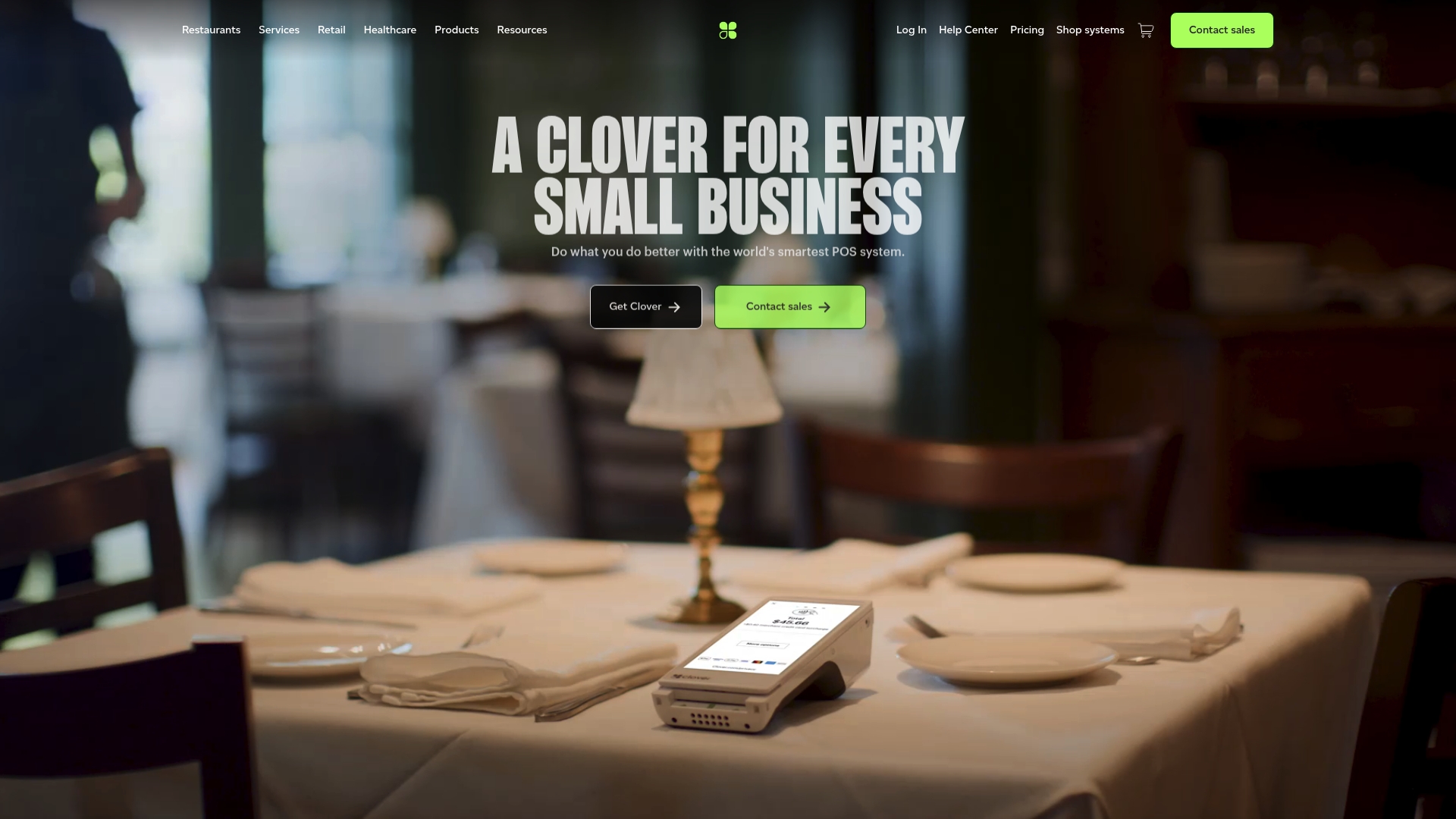
Subscriptions are non-cancelable and ineligible for refunds. This forces a longer commitment to the vendor for businesses that change direction quickly. Clover pairs that policy with a modular hardware lineup and a large app ecosystem to let merchants scale functionality as needs evolve.
Core Features
Clover combines configurable hardware and software so you can pick countertop terminals, mobile readers, or full registers and add apps on demand. The platform links payment processing with reporting, employee management, and customer loyalty tools to keep operations in one place. It also supports online ordering and delivery management for restaurants and retailers.
Key Differentiator
Clover stands out for the breadth of its hardware choices and the app marketplace that lets you assemble a tailored POS. The product lets you mix devices and install third party and native apps to support retail, restaurant, or service workflows. That approach suits businesses that want to buy a single vendor ecosystem and expand features gradually.
Pros
Clover’s hardware range and app marketplace support many business types and mixed environments. The platform integrates payments, reporting, and customer engagement so locations run from one system rather than several different tools. The vendor advertises high processing volume and “Best in Class” recognition, which suggests a mature payments infrastructure and broad market adoption.
Cons
-
Subscriptions are non-cancelable and ineligible for refunds, which reduces flexibility for seasonal or experimental operators.
-
Pricing and processing fees vary by business type and plan, making side-by-side cost comparisons difficult.
-
Adding apps or extra hardware can raise the total cost significantly for shops that start small.
-
Some advanced features require specific plans or add-ons, so basic packages may feel limited for complex needs.
When It May Not Fit
If you need a month to month contract or frequent plan changes, Clover’s non-cancelable subscriptions will create friction. Businesses that must minimize per-transaction costs for low-margin items should model fees closely. Organizations that prefer an open ecosystem with free add-ons may find the app costs and hardware fees restrictive.
Who It’s For
Small to medium-sized retail, food service, and personal service businesses that want a single vendor for hardware, payments, and business tools. Chains and multi-location operators who plan to scale devices and add features over time will benefit from the marketplace approach. Businesses that require short-term contracts should look elsewhere.
Real World Use Case
A neighborhood restaurant uses Clover to take in-person and online orders, run a kitchen display system, and manage staff schedules through the same interface. The owner adds loyalty and promotion apps from the marketplace to keep regulars returning. Sales reports feed menu decisions and peak staffing adjustments.
Pricing
Prices vary by business type and the hardware and software plan selected. General transaction fees start around 2.3% + 10¢ per transaction, and specific packages or promotional offers are available from the vendor. Expect hardware financing options and additional app fees that affect the total monthly cost.
Website: https://clover.com
Square

At a Glance
Free for basic use. Paid plans start at $49/month per location for Square Plus. Square pairs card readers and countertop hardware with payment processing and business tools, making it fast to set up a storefront. Many small merchants choose it for instant access to deposits and real time sales visibility.
Core Features
Square offers multiple countertop and portable hardware choices, including Square Register and Square Terminal, plus portable readers for pop up sales. The free POS app covers sales, inventory tracking, and customer records, while online payment links and e commerce integrations connect in person and web orders. Square Banking and Square Capital provide fast funding and deposit options to help cash flow.
Key Differentiator
The strongest distinguishing element is the integrated hardware and software suite that combines real-time analytics with near immediate account deposits. That setup lets a location monitor sales live on tablets and get funds quickly after transactions. The package scales from a single register to multiple locations with consistent hardware and reporting.
Pros
Square delivers a quick setup and a clear path from opening an account to accepting payments, which lowers time spent on onboarding. The free foundational POS app keeps basic functions available without upfront software fees, and the hardware mix suits counter, mobile, and table service workflows. Transparent transaction practices and options for instant deposits support cash flow needs for small to medium operations.
Cons
-
Customization limits for deeply specialized workflows may force merchants to add third party tools or switch platforms.
-
Advanced features often require paid plans or extra integrations, increasing total cost for complex operations.
-
International and localized feature support is limited for some countries, which constrains multiregional expansion.
When It May Not Fit
Do not pick Square if your operation needs heavy customization for complex inventory or unique checkout flows. Large chains that require enterprise level configuration and custom integrations will find limits. Businesses expanding into many countries should evaluate localized payments and support first.
Who It’s For
Square fits small to medium retail, food, and service businesses that need an easy to run point of sale and business management tool. It also suits merchants who want hardware and payments bundled with basic marketing and funding options. Shop owners who value speed of setup and predictable software entry costs will find it appropriate.
Real World Use Case
A restaurant uses Square POS to manage table orders and print kitchen tickets from a tablet. Staff process payments on a Square Terminal and transfer earnings instantly to the restaurant bank account. Managers monitor daily sales and inventory on a tablet and run targeted email campaigns from the same dashboard.
Pricing
The entry level plan is free for basic use, and paid plans start at $49/month per location for Square Plus. Higher tiers add support and extra features at higher monthly rates. Transaction fees and financing are presented openly under small business pricing programs.
Website: https://squareup.com/us/en
Comparison of alternatives
Merchants considering countertop POS systems face distinctive tradeoffs among hardware affordability, operational scalability, and implementation support.
Feature Customization
Feature adaptability is key for merchants expecting dynamic workflows or evolving service needs. Clover distinguishes itself by offering an blend of modular hardware and an extensive app marketplace, enabling nearly limitless mix-and-match configurations tailored to diverse operational models. This design allows growing businesses to incrementally enhance their POS functionality using extensions and apps, yielding scalable feature improvements.
Conversely, Merchant Solutions Corp focuses on a selection of high-performance terminals integrated with widely used and niche platforms. While and streamlined for standard usage scenarios, it offers less flexibility than Clover’s dynamic ecosystem. Square, while providing integration options for paired hardware and its free foundational app, is less extensive compared to Clover’s configurability.
Implementation and Costs
Initial costs and speed of implementation are deciding factors for businesses operating with constrained budgets. Square excels in accessibility, offering a free base platform for immediate operation with basic Point of Sale features. This approach appeals to startups or small businesses requiring basic POS systems.
Merchant Solutions Corp leads among the reviewed providers in reducing upfront costs, notably through its free hardware placement initiative tied to funding options. This unique value simplifies hardware acquisition and grants timely financial support, aligning well with rapid operational demands. However, Merchants opting for Clover might encounter higher setup costs due to modular hardware configurations and app dependencies, potentially outweighing the startup’s budget expectations.
Best fit
- Retailers seeking industry-specific setups and funding flexibility favor Merchant Solutions Corp for tailored POS configurations across restaurants, retail, and healthcare sectors.
- Merchants prioritizing expansive feature customization lean toward Clover’s modular hardware options and extensive app ecosystem.
- Operations needing fast adoption without upfront hardware investment prefer Square’s straightforward and open entry-level offerings.
Our pick
Merchant Solutions Corp distinguishes itself with tailored counter POS configurations accompanied by financial flexibility, making it suitable for businesses seeking scalable setups and timely access to capital.
The comparison of countertop POS solutions below highlights the most relevant features, pricing models, and limitations to assist businesses in selecting the best fit for their needs.
| Product | Key Features | Unique Value Proposition | Target Audience | Pricing | Limitations |
|---|---|---|---|---|---|
| Merchantsolutionscorp | Full-service payment processing, free hardware programs | Industry-specific setups and funding options | Various industries, including high-risk merchants | Price not published | Customer support quality may vary by location |
| Clover POS system | Modular hardware with app ecosystem | Scalable solutions through a comprehensive app marketplace | Retail, restaurants, and services seeking flexible setups | Prices vary; transaction fees start around 2.3% + 10¢/transaction | Non-cancelable subscriptions limit flexibility |
| Square | Free basic plan, modular hardware | Integrated real-time analytics with instant deposits | Small and medium businesses seeking simplicity | Free basic plan; paid plans start at $49/month | Limited international feature support |
How to Choose the Right Countertop POS System for Your Business
Choosing a countertop POS system involves balancing hardware costs, funding options, and business-specific features. Many businesses need setups tailored to their industry while keeping upfront expenses low. Merchantsolutionscorp addresses these challenges by providing free hardware programs with $0 upfront options and flexible funding. This approach lowers barriers for retail, restaurant, and service businesses aiming to expand efficiently.
Merchantsolutionscorp supports major POS platforms like Clover and Square with on-site installations in key markets and remote support elsewhere. Their flexible payment processing and business loans help control cash flow during busy seasons. To explore flexible, industry-specific countertop POS solutions designed for your operation, visit Merchantsolutionscorp and apply to get started today.
FAQ
What features make Merchantsolutionscorp a strong choice for countertop POS systems?
Merchantsolutionscorp excels with its free POS hardware programs that reduce upfront costs, making it appealing for businesses. With options for on-site setup in major markets, it combines payment processing and cash flow support, which suits various merchant needs. Explore these offerings when considering your POS deployment.
How does Merchantsolutionscorp compare to Clover’s subscription model?
Clover provides a wide range of hardware options and features a modular app ecosystem, which allows for gradual scaling of tools. Merchantsolutionscorp, on the other hand, simplifies initial investments by offering free hardware placement for qualifying merchants, making it a practical option for businesses needing to manage upfront capital.
Can Merchantsolutionscorp support high-risk merchant categories?
Yes, Merchantsolutionscorp offers tailored processing for high-risk merchants, ensuring their needs are met. This capability helps businesses like those in healthcare or specialized retail navigate complex payment environments. Consider this if your operation falls into a higher-risk category.
What are the funding options available with Merchantsolutionscorp?
Merchantsolutionscorp includes flexible funding options with same-day or next-day funding capabilities. This feature helps businesses maintain cash flow, especially during peak seasons. Evaluate these options to keep operations running smoothly during busy times.
Does Merchantsolutionscorp provide remote support for countertop POS systems?
Merchantsolutionscorp offers remote support services, particularly for locations that may not require on-site installation. This service includes setup guidance and troubleshooting, ensuring businesses receive assistance as needed. Take advantage of these resources to streamline your POS experience.