Salon Payment Processing Tips for Smarter Operations
Salon Payment Processing Tips for Smarter Operations
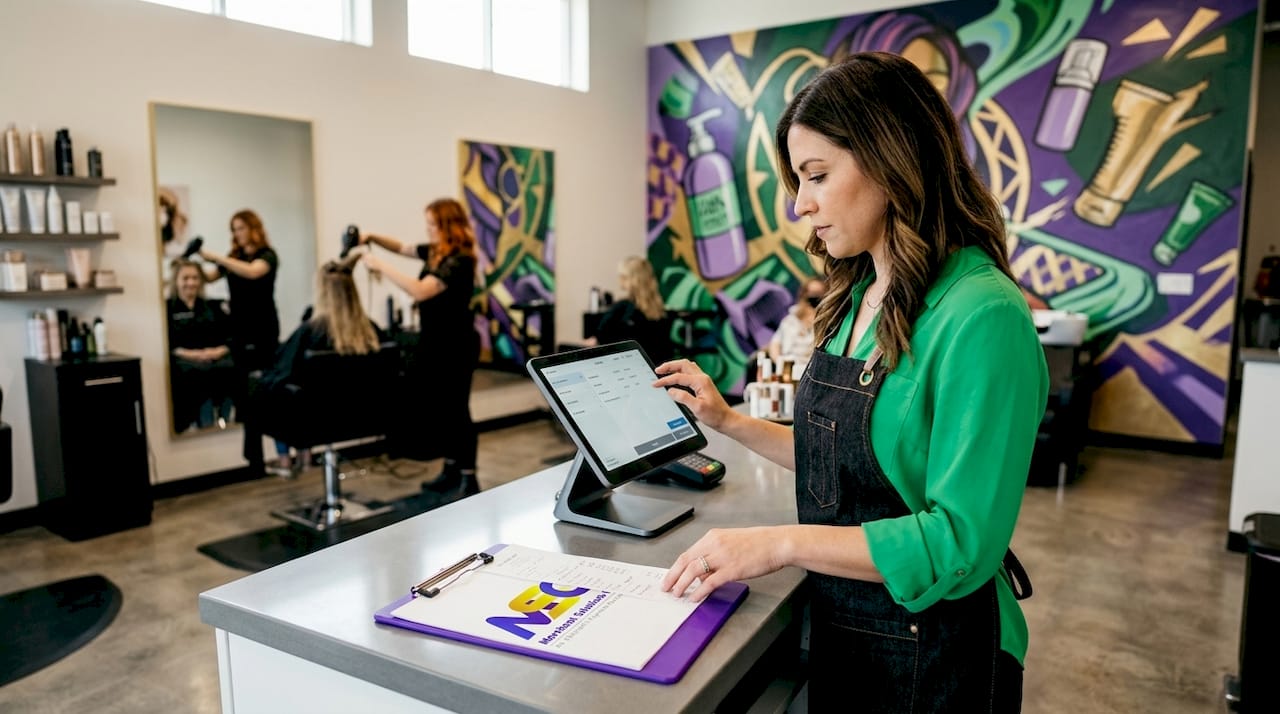
Payment processing is one of those backend decisions that shapes your salon’s profitability and client experience every single day. Yet many salon owners choose a processor based on a single headline rate, then discover too late that hidden fees, slow deposits, and disconnected systems are quietly eating into margins. These salon payment processing tips cut through the noise. You’ll find practical guidance on fee structures, integration priorities, hardware choices, and the red flags that signal a bad deal before you sign anything.
Table of Contents
- Key Takeaways
- Salon payment processing tips: what to evaluate before you choose
- 1. Use integrated booking and payment platforms
- 2. Enable contactless and mobile payment options
- 3. Collect deposits at booking to protect revenue
- 4. Use card-on-file for repeat clients and memberships
- 5. Add digital tipping prompts at checkout
- 6. Consider dual pricing to offset processing costs
- 7. Monitor fees and negotiate processor terms regularly
- Comparing common salon payment processing features and costs
- Common pitfalls and red flags in salon payment processing
- Choosing the right setup based on your salon size and volume
- My honest take on what actually moves the needle
- How Merchantsolutionscorp supports salon and spa payment operations
- FAQ
Key Takeaways
| Point | Details |
|---|---|
| Integration beats rate shopping | Connecting payments with booking reduces daily reconciliation errors and saves meaningful admin time. |
| Hidden fees drive up real costs | PCI compliance charges and minimum monthly fees routinely raise effective rates beyond advertised figures. |
| Collect deposits at booking | Upfront deposits reduce no-shows and protect revenue before a client ever sits in your chair. |
| Match hardware to salon volume | Busy salons need a dedicated terminal plus mobile backup; solo practitioners can start with tap-to-pay only. |
| Review your setup regularly | Fee structures, hardware options, and processor terms change. Quarterly reviews keep your costs competitive. |
Salon payment processing tips: what to evaluate before you choose
The industry term for what most salon owners call “payment processing” is merchant services. It covers everything from how you accept cards and contactless payments to how funds settle in your bank account. Before comparing providers, you need a clear framework for what actually matters.
Fee structures come first. Effective rates for salon transactions typically run 2.5% to 2.9% for in-person card-present sales and 2.9% to 3.5% for card-not-present transactions like phone bookings. On top of the percentage, per-transaction fees of $0.10 to $0.30 apply on every sale. For a salon processing fifty small transactions a day, those fixed fees add up fast.
Here is the full checklist of criteria worth evaluating:
- Percentage rate by transaction type: card-present, keyed-in, and card-not-present rates differ significantly
- Per-transaction fixed fees: critical for salons with many low-ticket services
- Monthly fees: software access, PCI compliance charges, and statement fees
- Integration with your booking platform: does payment data flow automatically to your appointment system?
- Deposit timelines: funds typically settle within one to two business days, with next-day options available on some platforms
- Accepted payment methods: contactless, digital wallets, chip, swipe, and ACH
- PCI DSS compliance support: your processor should handle or actively assist with compliance, not leave it entirely to you
- Contract terms: month-to-month versus multi-year agreements with early termination penalties
Pro Tip: Ask every prospective processor for a sample monthly statement before signing. Real statements reveal exactly which fees appear and how they are labeled, not just what the sales sheet promises.
1. Use integrated booking and payment platforms
Separate booking and payment systems create manual reconciliation work every single day. When your appointment software does not talk to your payment terminal, someone has to match ticket amounts to card charges manually. That costs time and introduces errors.
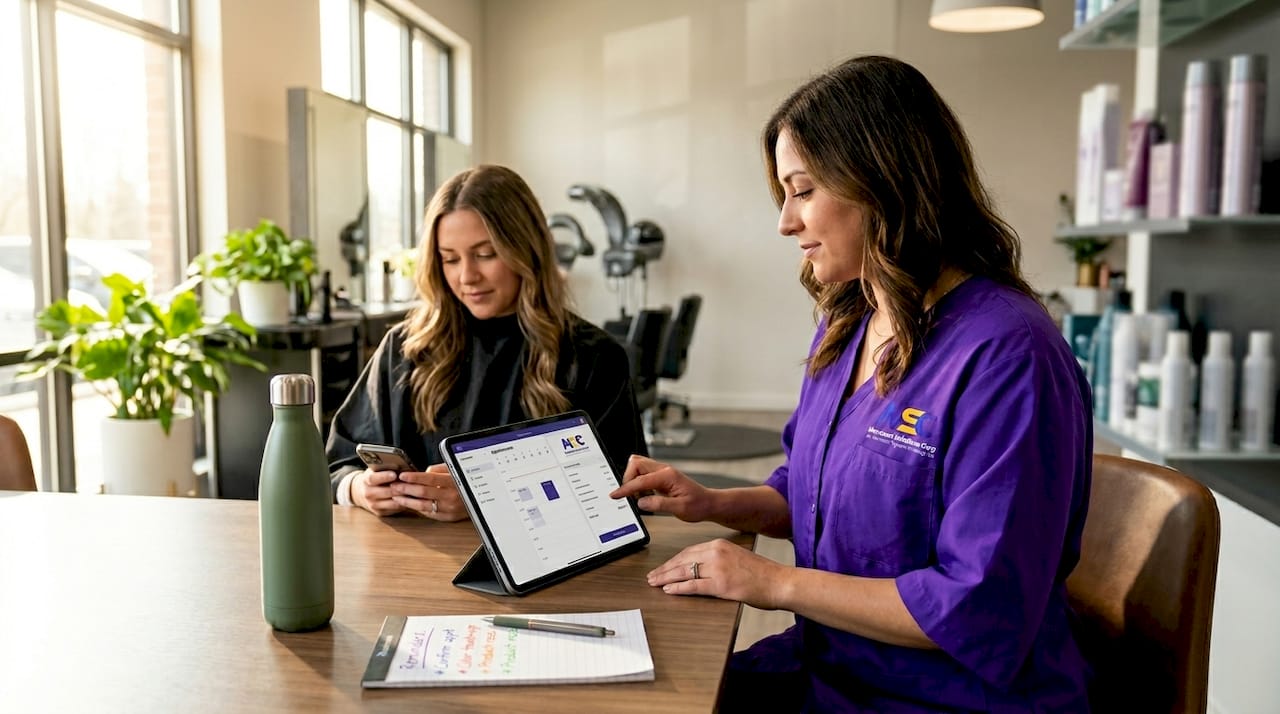
Integrated systems push appointment totals directly from the booking ticket to the terminal. Checkout takes seconds. End-of-day reports reconcile automatically. Over a month, that reclaimed time is substantial. Look into DaySmart Salon as one example of a platform built to combine scheduling and payment data in a single workflow.
2. Enable contactless and mobile payment options
Contactless payments via Apple Pay, Google Pay, and tap-to-pay cards are no longer a differentiator. Clients in 2026 expect them. If your terminal cannot process NFC (near-field communication) payments, you are creating friction at checkout for a growing share of your clientele.
Mobile tap-to-pay also gives your stylists flexibility. A client can pay at the styling chair instead of waiting at a front desk. That subtle change speeds up your checkout flow during peak hours and makes the experience feel more personal.
3. Collect deposits at booking to protect revenue
No-shows cost salons real money. A $150 color appointment that walks out is not just a lost service. It is a blocked time slot that another paying client could have filled. Collecting a deposit at the time of booking changes the math entirely.
Most integrated booking platforms support online deposit collection tied directly to the appointment. The deposit processes through your merchant account and settles just like any other transaction. When the client arrives, the remaining balance is collected at checkout. This single change can meaningfully reduce your monthly revenue loss from cancellations.
4. Use card-on-file for repeat clients and memberships
Card-on-file (COF) functionality lets you store a client’s payment credentials securely using tokenization. The actual card number never sits in your system. Instead, a secure token represents it. That keeps you PCI DSS compliant while enabling faster checkout for returning clients.
COF is also the backbone of membership billing. If you sell monthly blowout packages or color maintenance plans, recurring billing through a stored card makes those charges automatic. Clients appreciate the convenience. You appreciate the predictable cash flow.
5. Add digital tipping prompts at checkout
Digital tipping prompts on a screen or tablet increase tip volumes compared to verbal requests or paper tip lines on receipts. When a client sees preset options like 18%, 20%, and 25% on screen, they are more likely to select one than to calculate and write a number manually.
This matters because gratuities are a meaningful part of your stylists’ income. Higher tips improve staff retention, which reduces the recruiting and training costs that come with turnover. A $5 average tip increase across twenty daily transactions adds up to $100 a day in additional earnings for your team.
6. Consider dual pricing to offset processing costs
Dual pricing, also called a non-cash adjustment program, lets you offer a slightly lower price for cash transactions while applying a disclosed surcharge or adjustment to card payments. When implemented correctly and transparently, it can reduce effective processing rates to near zero.
This is not about punishing card users. It is about being transparent that card acceptance has a cost, and giving clients a choice. Many salons using this model recoup hundreds of dollars per month in processing fees. Merchantsolutionscorp offers dual pricing solutions specifically designed to help service businesses implement this compliantly.
7. Monitor fees and negotiate processor terms regularly
Most salon owners set up payment processing once and forget it. That is a costly habit. Fee structures change. New pricing models become available. And processors sometimes quietly add charges that were not part of your original agreement.
Set a calendar reminder to review your merchant statement quarterly. Calculate your total effective rate by dividing total fees paid by total volume processed. If your effective rate is creeping above 3%, that is a signal to renegotiate or shop alternatives. Some processors will adjust rates for high-volume merchants without being asked, but only if you ask.
Comparing common salon payment processing features and costs
Understanding pricing models is one of the most valuable parts of any salon payment workflow guide. Here is how the two dominant structures compare:
Flat-rate pricing charges a single percentage regardless of card type. It is predictable and simple to understand, but it is not always the lowest cost option for salons processing significant volume.
Interchange-plus pricing passes the actual card network cost through to you and adds a fixed markup. It is more complex to read on a statement, but it is typically cheaper for businesses with higher monthly volumes.
| Feature | Flat-Rate Pricing | Interchange-Plus |
|---|---|---|
| Cost predictability | High | Moderate |
| Best for volume | Low to medium | Medium to high |
| Transparency | Low | High |
| Contactless support | Varies by provider | Varies by provider |
| Tipping prompts | Varies | Varies |
| Deposit speed | 1-2 business days | 1-2 business days |
Per-transaction fees deserve special attention. Fixed fees of $0.10 to $0.30 per transaction hit salons harder when average ticket sizes are small. A $25 express blowout paying $0.25 per transaction absorbs a 1% hidden surcharge on top of the percentage rate. That detail rarely appears in a sales pitch.
Regarding hardware, dedicated terminals plus mobile tap-to-pay give you the best combination of speed and flexibility. Terminals handle high-volume checkout at the front desk. Mobile solutions cover chair-side payments, pop-up events, or backup when the main terminal is unavailable.
Pro Tip: Model your actual monthly processing cost using three months of real transaction data. Multiply your average transaction count by the per-transaction fee, then add the percentage fee on total volume. That number tells you your true cost, not the advertised rate.
Common pitfalls and red flags in salon payment processing
Knowing what to avoid is just as useful as knowing what to pursue. The following patterns signal a problematic processor relationship:
- Undisclosed PCI compliance fees: Some processors charge $10 to $30 per month for PCI DSS compliance support, or worse, charge a non-compliance fee if you have not completed a self-assessment questionnaire they never mentioned
- Minimum monthly processing fees: A provider may require you to process a minimum dollar volume each month or pay a fee to make up the difference
- Long-term contracts with steep early termination penalties: Some agreements lock you in for three years with $500 or higher penalties to exit
- Slow payout timelines: Anything beyond two business days for standard card transactions should prompt questions about cash flow impact
- Opaque fee statements: If you cannot quickly identify every line item on your monthly statement and what it represents, that lack of clarity will cost you
Salon owners often underestimate how much disconnected systems and unclear fee structures cost in daily admin time. That cost is real, even if it never appears on an invoice.
“Hidden fees such as monthly PCI compliance charges and minimum monthly processing fees often increase salon payment processing costs unexpectedly.” — Salon Payment Processing: What to Know in 2026
Ask any prospective processor to provide a complete fee schedule in writing before you agree to anything. A processor that resists this request is one worth avoiding entirely.
Choosing the right setup based on your salon size and volume
Not every salon needs the same solution. The best payment methods for salons depend heavily on how you operate and how much volume you process each month.
Here is a practical breakdown by scenario:
- Solo practitioners and mobile stylists: A mobile tap-to-pay solution on your smartphone covers most scenarios. Look for a provider offering NFC-capable card readers with no monthly minimums. Hardware cost is low and you can accept payments anywhere.
- Small salons with two to five chairs: A single dedicated terminal at the front desk combined with a mobile backup handles most checkout situations. Prioritize integration with your booking platform above all other features.
- Busy multi-stylist salons: You need dedicated terminals at multiple stations or the front desk, plus a mobile option for overflow. Processing volume likely justifies shopping interchange-plus pricing over flat-rate, since the savings at scale can be significant.
- Salons with membership or package programs: Card-on-file and recurring billing capabilities are non-negotiable. Not all processors support these features equally. Verify before committing.
- High-volume or multi-location operations: Centralized reporting, multi-location dashboards, and potentially ACH payment options for large ticket services become worth evaluating.
When evaluating hardware, weigh the upfront cost against volume. Dedicated terminals combined with mobile tap-to-pay reduce friction during peak hours without locking you into a single checkout location. Merchantsolutionscorp offers $0 upfront hardware programs, which removes the capital barrier for salons that want to upgrade their setup without a large initial outlay. You can explore salon-specific payment solutions to understand which hardware and software combinations make sense for your volume.
My honest take on what actually moves the needle
I’ve reviewed hundreds of merchant statements from service businesses, and the pattern is consistent. Salon owners chase the lowest advertised rate and overlook two things that matter far more.
The first is integration. Payments connected to your booking workflow eliminate more daily friction than almost any rate negotiation will. When checkout takes ten seconds instead of two minutes, you serve more clients, your staff is less stressed, and your clients leave with a better impression. That operational value does not appear on a fee statement, but it is real.
The second is the true cost calculation. I’ve seen salons saving $30 a month on their percentage rate while paying $60 a month in PCI fees, minimum fees, and statement charges they never tracked. The headline rate is a marketing number. Your effective rate, calculated from your total fees divided by total volume, is the number that tells you what you are actually paying.
My practical advice: review your setup at least twice a year. Processors update their fee schedules, new platforms enter the market, and your transaction volume likely changes with the seasons. What made sense when you opened your salon may not be the right fit at twice the volume. Treat your payment setup the way you treat your service menu. Revisit it, adjust it, and make sure it still serves where you are now.
— Jonathan
How Merchantsolutionscorp supports salon and spa payment operations
If you have worked through this article and realize your current setup has gaps, whether it is slow deposits, a lack of integration with your booking software, or fee structures that lack transparency, Merchantsolutionscorp builds solutions designed to address exactly those problems.
Merchantsolutionscorp provides salon and spa payment processing with transparent pricing, next-day deposit options, and POS systems like Clover and DaySmart Salon that connect appointments directly to checkout. Hardware programs with $0 upfront costs remove the barrier to upgrading your terminals. Dual pricing options are available for salons that want to offset card processing fees legally and transparently.
You can explore full payment processing options or connect with the team to get a clear picture of what your monthly cost would look like with a properly structured merchant account. No vague estimates. Just a transparent breakdown based on your actual volume.
FAQ
What is a good effective rate for salon payment processing?
A good effective rate for in-person salon transactions falls between 2.5% and 2.9%. Rates above 3% on card-present transactions typically indicate hidden fees or an unfavorable pricing structure worth renegotiating.
How do I reduce no-shows without losing clients?
Collecting a deposit at the time of booking is the most direct method. Most integrated booking platforms support this feature natively, and the deposit processes through your existing merchant account automatically.
What payment methods should my salon accept?
At minimum, your salon should accept chip cards, contactless tap-to-pay, Apple Pay, and Google Pay. These are standard client expectations in 2026 and not accepting them creates unnecessary checkout friction.
Is flat-rate or interchange-plus pricing better for salons?
Interchange-plus is typically more cost-effective for salons processing higher monthly volumes, while flat-rate pricing offers simplicity for lower-volume operations. The right choice depends on your monthly transaction count and average ticket size.
How often should I review my payment processing setup?
Review your merchant statement and effective rate at least every quarter. Fee structures change, your transaction volume shifts with seasons, and new solutions may offer better terms than what you agreed to when you first set up your account.