Online Ordering for Businesses: What You Need to Know
Online Ordering for Businesses: What You Need to Know
Online ordering for businesses is the process of accepting customer orders through internet-connected channels — websites, mobile apps, or third-party platforms — without requiring phone calls or in-person visits. Customers browse a digital catalog, customize their selections, and pay securely online. The order then routes automatically to your backend systems for fulfillment. For business owners evaluating whether digital ordering fits their operation, understanding what these systems actually do is the right starting point.
Here is what a complete online ordering system includes:
- Digital storefront: A product or menu catalog customers browse at any hour
- Shopping cart and checkout: Customers build and confirm their order before paying
- Payment gateway: Processes credit cards, ACH, and digital wallets securely
- Order management dashboard: Centralizes incoming orders for your team
- Fulfillment tracking: Keeps customers informed from confirmation to delivery or pickup
- POS and kitchen display integration: Routes orders directly to staff without manual re-entry
Table of Contents
- How online ordering systems move an order from click to fulfillment
- What types of online ordering methods work best for your business?
- What consumer trends are pushing businesses toward digital ordering?
- How online ordering connects to your existing business operations
- The measurable benefits of online ordering for business operations
- How online ordering reshapes your supply chain and inventory management
- Merchantsolutionscorp gives you online ordering without the operational headache
- Key Takeaways
- FAQ
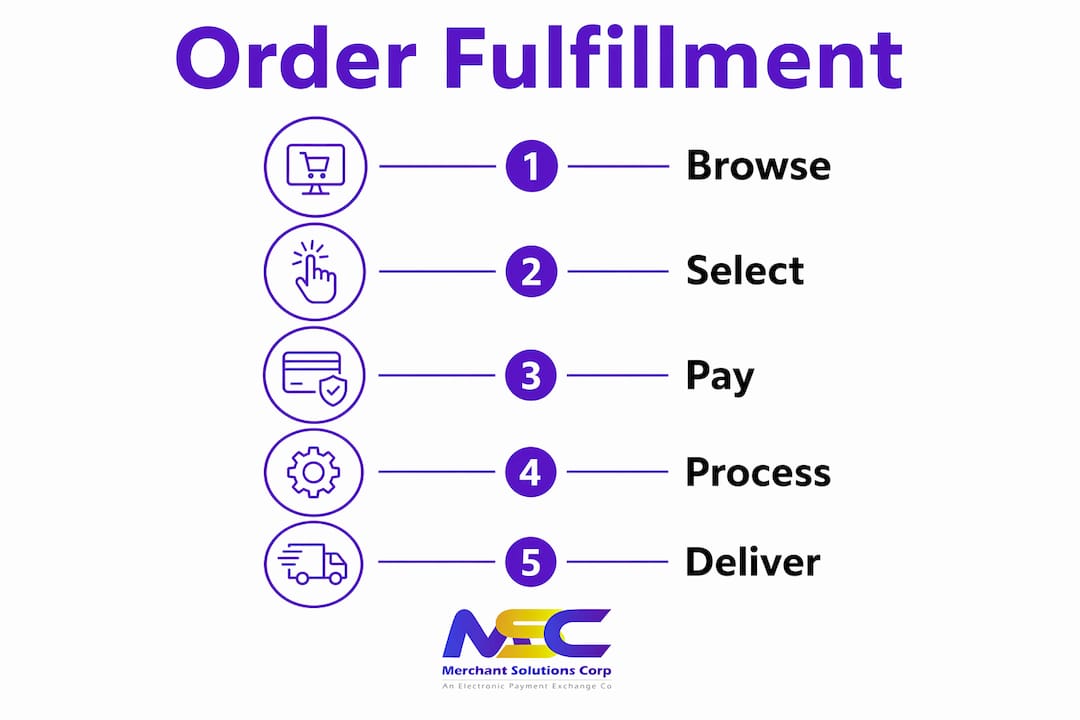
How online ordering systems move an order from click to fulfillment
The customer experience is the visible layer. The real work happens in the system architecture behind it.
When a customer places an order, the platform captures every detail — item selections, modifications, quantity, delivery address or pickup preference — and pushes that data to your order management dashboard in real time. No phone tag, no handwritten tickets. The payment gateway handles authorization and encryption simultaneously, so funds are verified before the order ever reaches your kitchen or warehouse floor.

The order management side is where operational efficiency compounds. A well-configured system connects to your POS, kitchen display, and inventory database, updating stock counts as each order is confirmed. Staff see a clean queue rather than a pile of paper slips. Fulfillment tracking then sends automated status updates to the customer, reducing inbound “where is my order?” calls.
Key components and their roles:
- Product catalog: Displays items with descriptions, images, and pricing; controls what customers can order
- Shopping cart: Holds selections and allows modifications before checkout
- Secure checkout: Encrypts payment data and confirms order details
- Payment gateway: Authorizes transactions and routes funds to your account
- Order management dashboard: Aggregates all incoming orders in one view for staff
- Fulfillment tracking: Provides real-time status updates to customers post-purchase
Pro Tip: Choose a system that integrates directly with your existing POS rather than running a parallel workflow. Disconnected systems create double-entry errors and slow fulfillment times.
What types of online ordering methods work best for your business?
Not every ordering method fits every business model. The right choice depends on your margins, customer base, and operational capacity.
Online ordering types span five primary categories, each with distinct trade-offs:
- Native ordering (your own website or app): You control the brand experience, customer data, and avoid third-party commissions. Best for businesses with an established customer base.
- Third-party aggregator platforms: Extend your reach to new customers but typically charge commission fees that compress margins. Useful for discovery, less ideal as a long-term primary channel.
- Delivery ordering: Customer places an order online; your team or a delivery partner brings it to their door. Requires logistics coordination and clear delivery radius policies.
- Click and collect (curbside or in-store pickup): Customer orders online and retrieves the order at your location. Lower fulfillment cost than delivery and growing in popularity across retail and food service.
- QR code ordering: Customers at a physical location scan a code to access a digital menu and order from their phone. Reduces wait staff pressure and speeds table turnover for restaurants. Merchantsolutionscorp offers dedicated QR code ordering solutions built for this use case.
Each method can run independently or in combination. Many businesses operate native ordering for loyal customers while maintaining a third-party listing for new customer acquisition.
What consumer trends are pushing businesses toward digital ordering?
Convenience is the primary driver, but the specifics matter more than the headline.
Customers now expect 24/7 ordering access with the ability to customize orders, choose fulfillment method, and pay without speaking to anyone. Mobile devices are the dominant ordering interface for most demographics, which means a desktop-only ordering experience is already behind the curve. The shift toward off-premise and contactless transactions — accelerated significantly in recent years — has made digital ordering a baseline expectation rather than a premium feature.
Key trends shaping adoption:
- Always-on availability: Customers order outside business hours; you capture revenue while closed
- Customization demand: Diners and shoppers expect to modify orders without friction
- Mobile-first behavior: Most online orders originate from smartphones, not desktops
- Real-time tracking expectations: Customers want status updates from confirmation through delivery
- Contactless preference: Digital payment and minimal physical interaction remain preferred post-pandemic
Stat to know: Businesses using online ordering systems see up to a 30% rise in repeat customers, driven by the convenience and accuracy digital systems deliver.
How online ordering connects to your existing business operations
An online ordering system that runs separately from your operations creates more work, not less. Integration is where the real value appears.
When your ordering platform connects to your POS, every incoming order posts automatically without staff re-entering data. Real-time inventory syncing prevents overselling — if an item sells out, the system removes it from the ordering interface before a customer selects it. Payment gateway integration handles authorization, fraud screening, and settlement within the same workflow, so your team is not reconciling two separate systems at the end of the day.
Integration benefits for operational efficiency:
- Automated order capture: Orders post directly to POS and kitchen displays without manual input
- Live inventory updates: Stock counts adjust with each order, preventing out-of-stock errors
- Centralized reporting: Sales, order volume, and customer data consolidate in one dashboard
- Faster payment settlement: Gateway integration accelerates fund transfer and reconciliation
- Reduced labor overhead: Automation handles tasks that previously required dedicated staff time
The measurable benefits of online ordering for business operations
The operational case for digital ordering goes beyond convenience. The financial impact is concrete.
Businesses that implement online ordering systems reduce operational costs by up to 40% through automation, lower staffing requirements, and eliminated paper-based processes. Order accuracy improves because customers enter their own specifications — no miscommunication between a caller and a staff member taking the order. That accuracy directly reduces remakes, refunds, and complaints.
Digital ordering also replaces error-prone manual calls with customer-validated data, which improves margins and frees staff for higher-value tasks. Platforms provide detailed analytics on ordering habits, peak times, and popular items, giving you the data to run targeted promotions and adjust staffing levels with confidence.
Key benefits backed by operational data:
- Cost reduction: Automation cuts labor and paper costs significantly
- Higher order accuracy: Customer-entered orders eliminate staff transcription errors
- Repeat business: Convenience and accuracy drive customer loyalty
- Faster fulfillment: Automated routing reduces time from order to completion
- Data-driven decisions: Analytics reveal what sells, when, and to whom
Pro Tip: When evaluating platforms, prioritize those that offer built-in analytics and can scale with your order volume. A system that works for 50 orders a day should handle 500 without a configuration overhaul.
How online ordering reshapes your supply chain and inventory management
Online ordering does more than speed up transactions — it changes how you manage stock at every level.
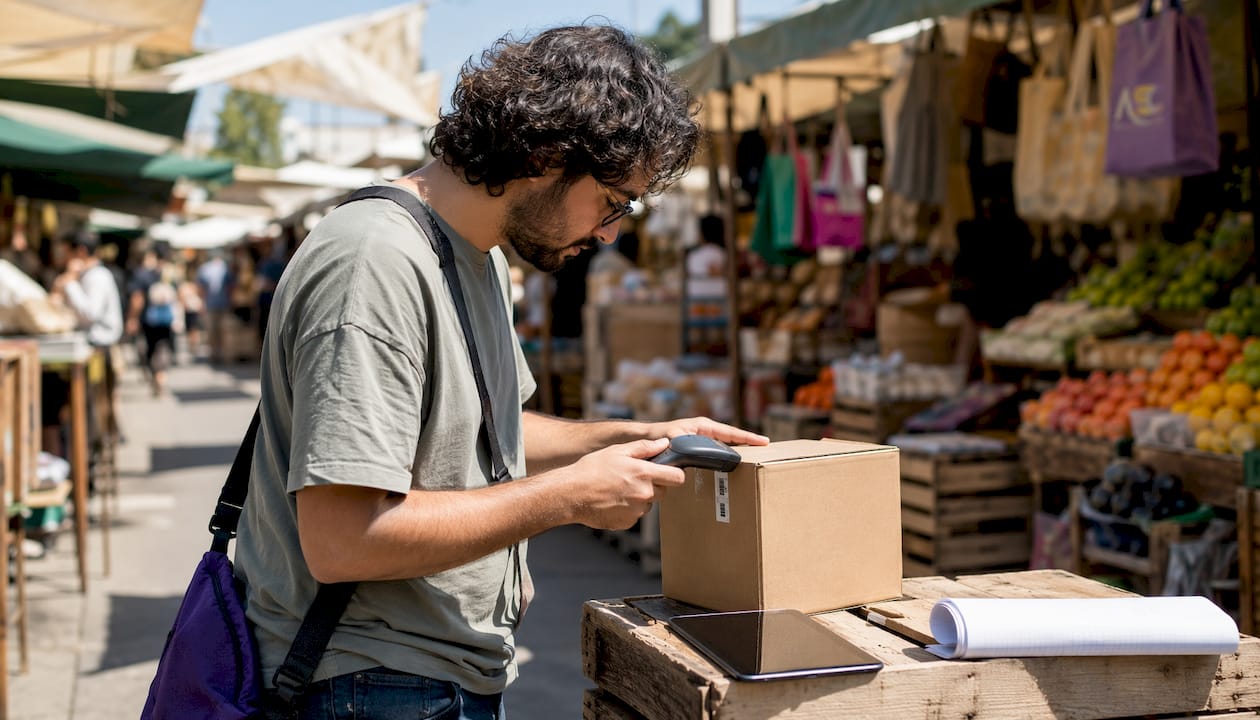
When orders flow through a connected system, your inventory data updates in real time rather than at the end of a shift. That visibility lets you identify which items move fastest, when demand peaks, and where you are consistently over-ordering. Purchasing decisions become data-driven rather than intuition-based. Suppliers can be notified automatically when stock drops below a set threshold, reducing the risk of running out during peak periods.
For multi-location businesses, centralized order data across locations reveals which sites are outperforming and which need supply adjustments. The result is a leaner supply chain with less waste, fewer emergency orders, and better cost control across the board.
Merchantsolutionscorp gives you online ordering without the operational headache
Most businesses do not struggle to understand why online ordering matters. The harder question is how to set it up without disrupting what already works.
Merchantsolutionscorp is a nationwide payment processing and POS provider built for restaurants, retail, and service businesses that need digital ordering connected to their existing operations from day one. The platform supports online ordering, QR code ordering, and self-ordering kiosks alongside Clover and Square POS systems, kitchen display systems, and dual pricing solutions that offset processing fees. Hardware programs start at $0 upfront, so you are not carrying equipment costs before the first order comes in.
The setup is configured for your business type, not a generic template. Whether you run a quick-service restaurant, a retail shop, or a multi-location operation, Merchantsolutionscorp handles onboarding through daily operations. Visit merchantsolutionscorp.com/pos-systems to see how the platform fits your current setup.
Key Takeaways
Online ordering for businesses cuts operational costs, improves order accuracy, and drives repeat customer growth when the system integrates directly with your POS and payment infrastructure.
| Point | Details |
|---|---|
| Core system components | Every effective platform includes a product catalog, shopping cart, payment gateway, and order management dashboard. |
| Cost and accuracy impact | Businesses report notable cost reductions and increases in repeat customers after implementing digital ordering. |
| Integration is non-negotiable | Connecting ordering to your POS and inventory prevents overselling and eliminates manual data re-entry. |
| Consumer expectations | Customers expect 24/7 access, mobile ordering, customization, and real-time fulfillment tracking as standard. |
| Merchantsolutionscorp | Offers fully integrated online ordering, POS systems, and payment processing with $0 upfront hardware options for US businesses. |
FAQ
How does online ordering work for a business?
A customer browses your digital catalog, selects items, and pays through a secure checkout. The order routes automatically to your POS or kitchen display for fulfillment, with no manual re-entry required.
What are the main benefits of online ordering?
Businesses using online ordering systems reduce operational costs significantly and see increases in repeat customers through improved convenience and order accuracy.
What is it called when you order something online?
The general term is “e-commerce” for product purchases and “online food ordering” for restaurant transactions. The underlying technology in both cases is an online ordering system connected to a payment gateway and fulfillment workflow.
How do you set up online ordering for a small business?
Choose a platform that integrates with your existing POS, configure your product catalog, connect a payment gateway, and test the checkout flow before going live. Merchantsolutionscorp provides configured systems with onboarding support so the setup does not fall on your team alone.
What is the difference between native ordering and third-party platforms?
Native ordering runs through your own website or app, giving you full control over data and margins. Third-party platforms extend your reach but charge commission fees that reduce per-order profitability.
Recommended
- Accept online payments: low-cost solutions for SMBs | Merchant Solutions Corp
- How to Increase Sales with Online Ordering and Google Ads | Merchant Solutions Corp
- Set up payment processing: a simple guide for small businesses | Merchant Solutions Corp
- Merchant Solutions Corp | Payment Processing & POS Systems