Mobile Payment Solutions: A Merchant's Guide to Getting Started
Mobile Payment Solutions: A Merchant’s Guide to Getting Started
Mobile payment solutions let a business accept credit cards, digital wallets, and contactless payments through a smartphone, tablet, or dedicated mobile terminal instead of a fixed countertop system. If you’re setting one up, the fastest path is a secure mPOS app or Tap-to-Pay enabled device paired with a PCI-validated encryption method, either point-to-point encryption (P2PE) or an MPoC/CPoC-compliant software flow.
Before you pick a provider, do three things:
- Confirm the device or app you’re considering uses validated encryption, not a workaround that stores card data on the phone itself.
- Choose your primary acceptance method (Tap-to-Pay, card reader, or payment link) based on where and how you actually sell.
- Talk to Merchant Solutions Corp about a configured setup so hardware, software, and compliance are handled before your first sale.
Key Takeaways
The most reliable mobile payment setup pairs a validated encryption method, either P2PE or MPoC/CPoC compliance, with hardware matched to actual sales volume and environment.
| Point | Details |
|---|---|
| Match type to channel | Choose mPOS, Tap-to-Pay, or payment links based on where and how you sell, not on price alone. |
| Security isn’t optional | Mobile devices used for payments fall under PCI scope unless a validated P2PE solution is in place. |
| Read the fee structure closely | Flat-rate pricing favors low-volume sellers; interchange-plus or subscription models often pay off at scale. |
| Deposit timing affects cash flow | Instant payouts cost more but can matter more than the fee for tight-margin businesses. |
| Merchant Solutions Corp configures the setup | Onboarding, device configuration, PCI guidance, and dual pricing options are handled from signup through daily use. |
Where to Read More on PCI Standards and Mobile Payment Guidance
For deeper technical detail, review the PCI Security Standards Council’s standards page, the merchant-focused mobile payment security guidelines, and Statista’s mobile POS payments outlook for market context. These sources informed the guidance throughout this article.
Table of Contents
- Types of Mobile Payment Solutions and Which Fit Your Business
- How Do Mobile Payments Actually Work?
- Mobile POS Hardware and Reader Options
- What Do Mobile Payment Apps Typically Offer?
- PCI and Mobile-Specific Security: What Merchants Must Know
- How Do You Choose the Right Mobile Payment Solution?
- What Does Setup Cost and How Long Does It Take?
- How Different Merchants Put Mobile Payments to Work
- Sources
- FAQ
Types of Mobile Payment Solutions and Which Fit Your Business
Mobile payment acceptance breaks down into a handful of categories, and picking the wrong one is the most common setup mistake small merchants make.
Mobile point-of-sale (mPOS) pairs a phone or tablet with an external card reader, either a plug-in dongle or a Bluetooth device. Tap-to-Pay uses the phone’s built-in NFC chip to accept contactless cards and digital wallets with no extra hardware at all. Software-only contactless (CPoC-style) solutions run entirely on a commercial off-the-shelf device, using its native NFC interface rather than software-based PIN entry. In-app payments let customers pay inside a branded app, common for delivery and subscription businesses. Browser and mobile web checkout covers card-not-present sales through a hosted payment page. Payment links and QR codes let a merchant send a payable link by text or email, or display a scannable code at a table or booth.
Mobile POS payment volume in the United States has climbed steadily as more merchants shift away from fixed terminals, and that trend shows no sign of reversing.
Here’s how the fit usually breaks down:
- Pop-ups and markets: mPOS reader or Tap-to-Pay, since volume is unpredictable and mobility matters most.
- Delivery and field service: in-app payments or payment links, so drivers and technicians aren’t juggling hardware.
- Table-service restaurants: mPOS with a reader plus QR-code-at-table options for split checks.
- In-store retail: a dedicated mobile terminal that doubles as backup during register downtime.
- Online-only sellers: browser checkout or payment links, with no physical hardware required.
How Do Mobile Payments Actually Work?
The core distinction is card-present versus card-not-present. A card-present transaction, like a tap or dip at a reader, happens in person and typically carries lower fraud risk and lower processing costs. A card-not-present transaction, like a payment link or online checkout, carries more fraud exposure because the card and cardholder aren’t physically verified.
A contactless tap follows a predictable sequence:
- The customer taps a card or phone near the reader’s NFC antenna.
- The reader generates a one-time cryptogram instead of transmitting the actual card number.
- The transaction is encrypted and sent for authorization, either through the app’s payment gateway or directly to the processor.
- The issuing bank approves or declines in seconds, and the sale settles into the merchant’s account on the provider’s normal schedule.
A payment-link or online checkout follows a similar but slightly longer path: the customer enters card details on a hosted page, the gateway tokenizes the data immediately, and authorization and settlement proceed the same way as an in-person sale.
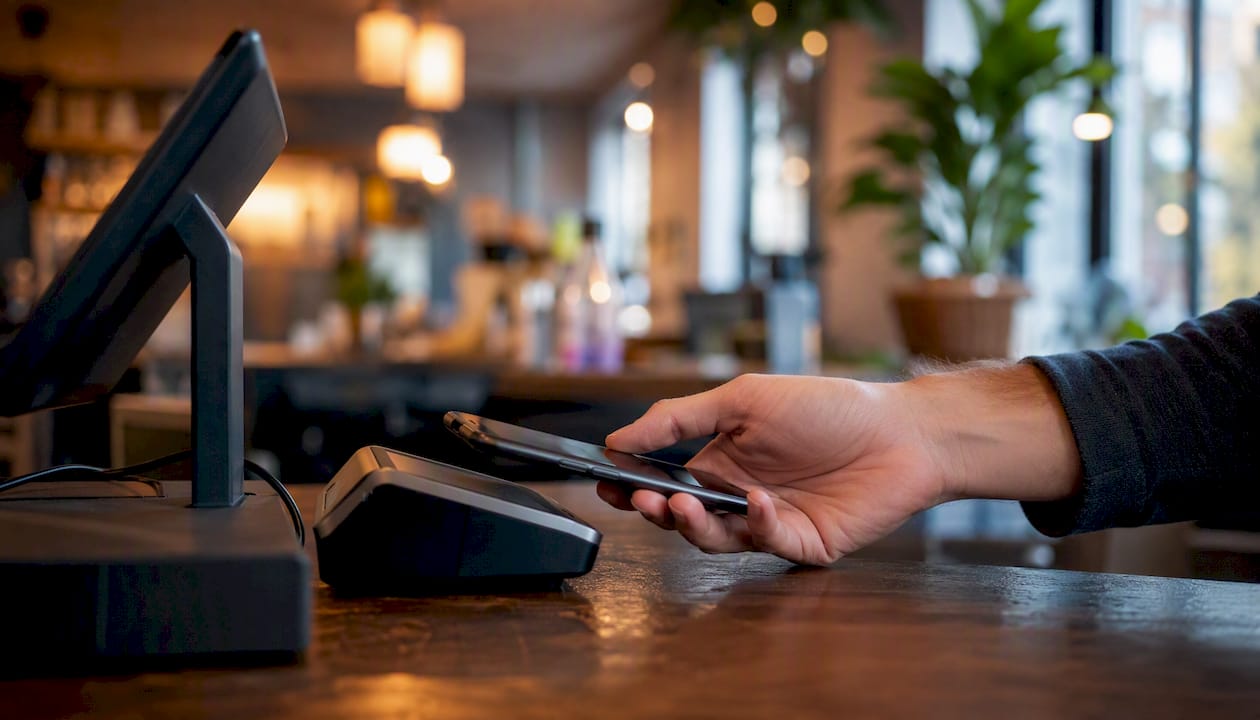
Tokenization replaces the actual card number with a randomly generated token, so even if a database is breached, there’s no usable card data to steal. NFC is the short-range wireless technology that makes tapping possible in the first place. Together, these two pieces are why Tap-to-Pay has become the fastest and one of the more secure ways to accept a card in person, with no physical reader required at all.
Mobile POS Hardware and Reader Options
Your hardware choice depends on transaction volume, environment, and how much you’re willing to carry around.
There are three broad hardware classes:
- Phone or tablet with a card reader — the lowest upfront cost, ideal for occasional or low-volume selling.
- Standalone mobile terminals — self-contained units built for daily commercial use, often with a longer battery life and sturdier build.
- Dedicated mobile POS devices — purpose-built units, sometimes ruggedized for outdoor or high-movement environments like food trucks.
When comparing hardware, prioritize:
- NFC and EMV chip support so you can accept both taps and dips.
- Offline-mode capability for spotty-connectivity venues like fairs or basements.
- Battery life rated for a full shift, not just a few hours.
- Tamper resistance and physical durability, especially for food trucks or outdoor markets.
- Easy mounting options and receipt printing if you run a countertop setup.
Chip-and-PIN and contactless aren’t interchangeable everywhere. Some transaction sizes or card issuers require PIN entry, so a reader that only supports tap can leave you stuck mid-sale. Ask about device replacement policies before you commit. A cracked reader on a Saturday afternoon shouldn’t mean a day of lost sales. Merchant Solutions Corp’s POS systems cover this range, from simple readers to full mobile terminals, and our Ingenico terminal review breaks down durability tradeoffs in more depth.
What Do Mobile Payment Apps Typically Offer?
Every credible mobile payment app should cover a common core: Tap-to-Pay support, compatibility with an external card reader, invoicing or payment links, QR code generation, transaction reporting, and payout tracking. Beyond that baseline, differences show up in the details that matter for your specific operation.
If you sell in multiple channels, look for apps that sync inventory across in-person and online sales rather than tracking them separately. If you run software alongside your point-of-sale, check for accounting or inventory integrations before you sign anything. If cash flow is tight, prioritize apps offering instant or next-day payouts, even if that comes with an added fee. If you’re a developer-minded business building custom checkout flows, developer APIs matter more than a polished interface.
Editorial buyer guides commonly point out that a free mobile POS app paired with a low-cost reader is often the fastest way for a low-volume seller to start accepting cards, though that combination can get expensive as transaction volume grows.
Before choosing, read the fine print on:
- How fast deposits actually land in your bank account.
- How chargebacks and disputes are handled, and whether that support is included or an add-on.
- Whether the reported “no monthly fee” plan hides a higher per-swipe rate that costs more at scale.
PCI and Mobile-Specific Security: What Merchants Must Know
Any mobile device you use to accept a card is part of your cardholder data environment, and that means it falls under PCI scope unless you’re using a validated P2PE solution that removes the device from the equation entirely. This isn’t optional paperwork. It’s the actual security perimeter around your customers’ card data.
The PCI Security Standards Council defines three categories that describe how a commercial device can accept payments securely. MPoC (Mobile Payment on COTS) is the newer combined standard. CPoC (Contactless Payments on COTS) covers software-only contactless acceptance using a phone’s native NFC chip, and it explicitly prohibits software-based PIN entry, relying instead on app-level protections and backend monitoring. SPoC (Software-based PIN on COTS) allows PIN entry on the device itself under stricter controls.
In practice, here’s what that means for daily operations:
- Avoid manually keying in card numbers when a tap or swipe is available; manual entry carries higher fraud liability.
- Use a reader or app that’s already been through PCI validation rather than a generic third-party workaround.
- Keep devices on current operating system versions, since unpatched software is a primary attack vector for compromising payment apps.
- Favor online authorization over offline or stored transactions whenever your connection allows it.
- Lock down which apps staff can install on a payment device, and require device-level authentication.
Pro Tip: Keep a simple device inventory, one line per phone or tablet used for payments, noting its owner, OS version, and last update date. It takes ten minutes a month and closes the single biggest gap most small merchants have: an old device nobody remembered was still processing cards.
Merchants who can’t consistently meet these device standards should lean on a PCI-validated P2PE solution, where the reader itself encrypts card data before it ever touches the phone. It’s a more reliable route than trying to lock down every device by hand. For broader physical and operational security context, this overview of POS security for small businesses covers complementary controls worth reviewing.
How Do You Choose the Right Mobile Payment Solution?
Run through this checklist before signing with any provider:
- Pricing model — flat-rate per transaction, interchange-plus, or subscription with lower per-swipe costs. Breakeven points shift with monthly volume, so a flat-rate app that’s cheap at low volume can get expensive fast as sales grow.
- Contract terms — month-to-month versus a multi-year lock-in, and what the early termination cost looks like.
- Hardware lock-in — can you use the reader with a different processor later, or are you stuck if you switch?
- Integration support — does it connect to your accounting, inventory, or ecommerce platform without manual exports?
- Deposit timing — standard next-day, or does instant payout cost extra?
- PCI support — does the provider offer a validated P2PE path or clear MPoC/CPoC guidance?
- Offline capability — can you still take a payment with no signal, and how does it settle once you’re back online?
- Scalability — will this setup still work if your transaction volume triples next year?
Ask a sales rep directly: “What happens to my rate if my volume doubles?” and “What’s the exact fee for next-day versus instant payout?” Vague answers to either question are a red flag worth taking seriously.
Priorities shift by stage. A low-volume pop-up seller should prioritize low upfront cost and simplicity. A mid-volume, multi-channel merchant should prioritize integrations and reporting. A high-volume business scaling fast should prioritize negotiated rates, dedicated support, and hardware that won’t need replacing in a year. Our guide to industry-specific payment solutions and savings walks through how these priorities play out by vertical.
What Does Setup Cost and How Long Does It Take?
Most merchants can go from signup to their first live transaction in about a week, sometimes faster.
- Submit your application and business details for underwriting.
- Get approved and select your hardware (reader, terminal, or Tap-to-Pay-only setup).
- Configure the device and connect it to your existing accounting or inventory system if needed.
- Train staff on the acceptance flow, including how to handle a declined or offline transaction.
- Run a small test transaction before going fully live.
| Cost Category | What to Expect |
|---|---|
| Hardware | Ranges from $0 with a free reader program to several hundred dollars for a full terminal |
| Monthly software/subscription | Typically a flat monthly fee, or none at all on pay-as-you-go plans |
| Per-transaction processing fee | Typically a percentage under 5%, depending on card type and pricing model |
| Optional instant payout fee | A small added percentage for same-day access to funds instead of standard next-day deposit |
Deposit timing is one of the most overlooked cash-flow levers in this whole decision. A business running tight margins may find that paying a little extra for instant payouts is worth more than the fee itself.
How Different Merchants Put Mobile Payments to Work
A pop-up or market seller typically runs Tap-to-Pay plus a compact card reader as backup, prioritizing low cost and quick setup over deep reporting.
A food truck or delivery operation leans on a ruggedized mobile terminal or in-app payments, prioritizing offline mode and battery life over a full feature set. Our food truck POS guidance covers hardware built for that environment.
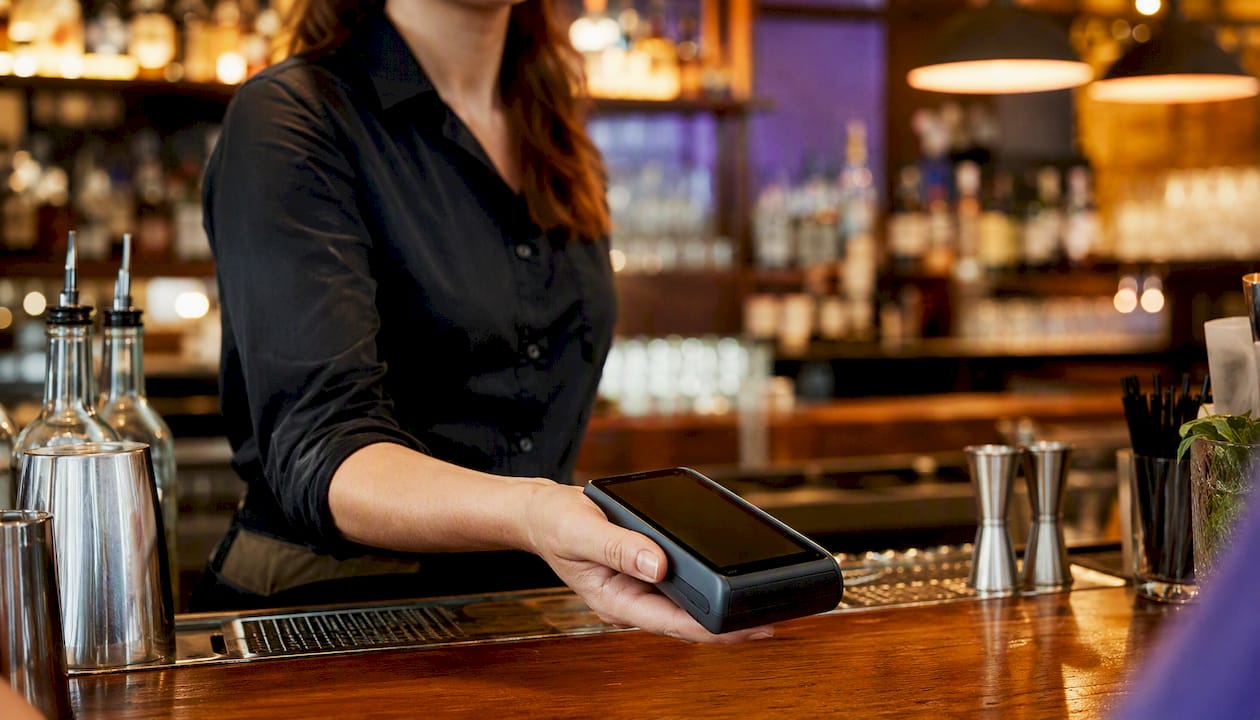
A table-service restaurant usually needs mPOS readers at each station plus QR-code-at-table options, prioritizing speed and split-check support.
A retail shop floor benefits from a dedicated mobile terminal integrated with inventory, prioritizing reliability and reporting over portability, as covered in our retail payment solutions overview.
A field service provider or B2B invoicer relies on payment links and mobile invoicing, prioritizing fast payouts and easy record-keeping over hardware at all.
How Merchant Solutions Corp Recommends Choosing and Rolling Out Mobile Payments
The safest and most cost-effective path for most small and mid-size merchants is a validated mPOS or Tap-to-Pay setup configured by a partner who handles the compliance work upfront, not bolted on after a breach scare.
- Onboarding and device configuration handled before your first sale, not left to a manual.
- PCI guidance built into the setup process, including guidance toward P2PE where it fits.
- Dual pricing options to help offset processing costs.
- Ongoing support from onboarding through daily operations, not a one-time install.
Get Your Mobile Payment Setup Configured and Supported
Merchant Solutions Corp handles the parts of mobile payment setup that trip merchants up most: matching hardware to your sales environment, configuring PCI-aligned security from day one, and getting you live faster than piecing together your own stack. Free hardware programs mean you can start with $0 upfront, and dual pricing options help offset processing costs instead of absorbing them into your margins.
Here’s the path: request a quote based on your sales volume and channel, choose your hardware (reader, terminal, or Tap-to-Pay-only), then schedule onboarding for configuration and staff training. Start with Merchant Solutions Corp’s payment processing solutions to get a setup built around how you actually sell.
Sources
- PCI Mobile Payment Acceptance Security Guidelines for Developers v2.0
- PCI Security Standards Council – Protect Payment Data with Industry-driven Security Standards, Training, and Programs
FAQ
What Are Mobile Payment Services?
Mobile payment services let a business accept card and digital wallet payments through a smartphone, tablet, or mobile terminal instead of a fixed countertop system, typically using an app, a card reader, or built-in NFC.
What Is a Mobile Wallet Payment Solution?
A mobile wallet payment solution lets customers store card details on their phone and pay by tapping the device near a contactless reader, with the transaction secured through tokenization instead of transmitting the actual card number.
What Is the Mobile Money Payment Method?
Mobile money refers broadly to transferring or paying with funds through a mobile device, which in a merchant context most often means accepting a tap, digital wallet, or payment link rather than a physical card swipe.
Is Tap-to-Pay as Secure as a Traditional Card Reader?
Tap-to-Pay uses NFC and tokenization the same way a traditional contactless reader does, and PCI’s CPoC standard governs software-only implementations, so it can meet the same security bar when properly validated.
How Fast Can a Small Business Start Accepting Mobile Payments?
Most merchants can go from application to their first live transaction in about a week, including underwriting, hardware setup, and staff training. Merchant Solutions Corp can often move faster with a pre-configured device program.