Clover Go Mobile POS SystemAccept Payments Anywhere from Your Phone
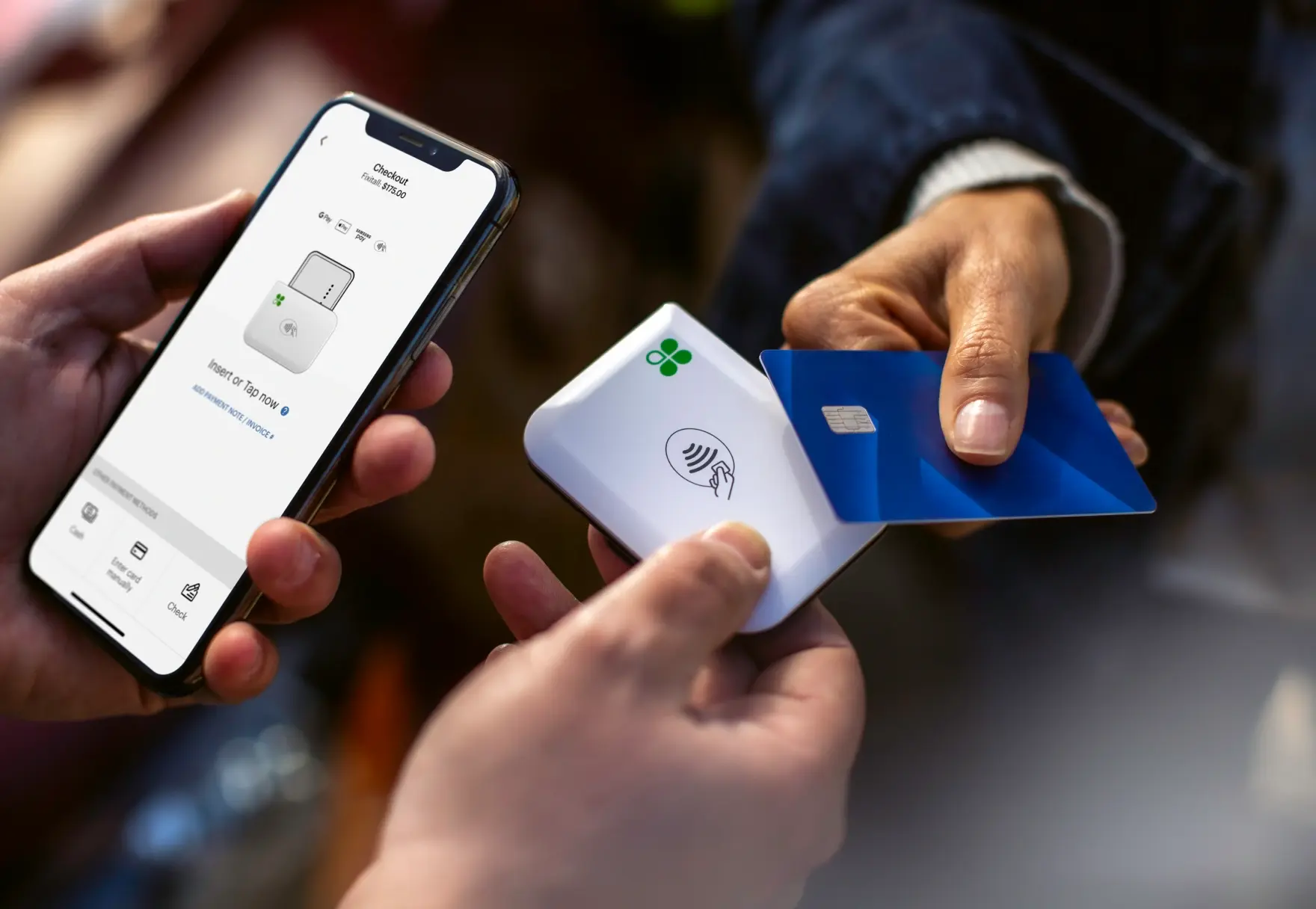
Clover Go is a mobile POS solution that turns your smartphone or tablet into a powerful payment system. Accept payments on the go, send invoices, and track sales in real time from one simple app.
Why Choose Clover Go for Mobile Payments
Easy to Set Up and Use
Download the Clover Go app and start accepting payments within minutes. The intuitive interface requires minimal training.
Flexible Order Management
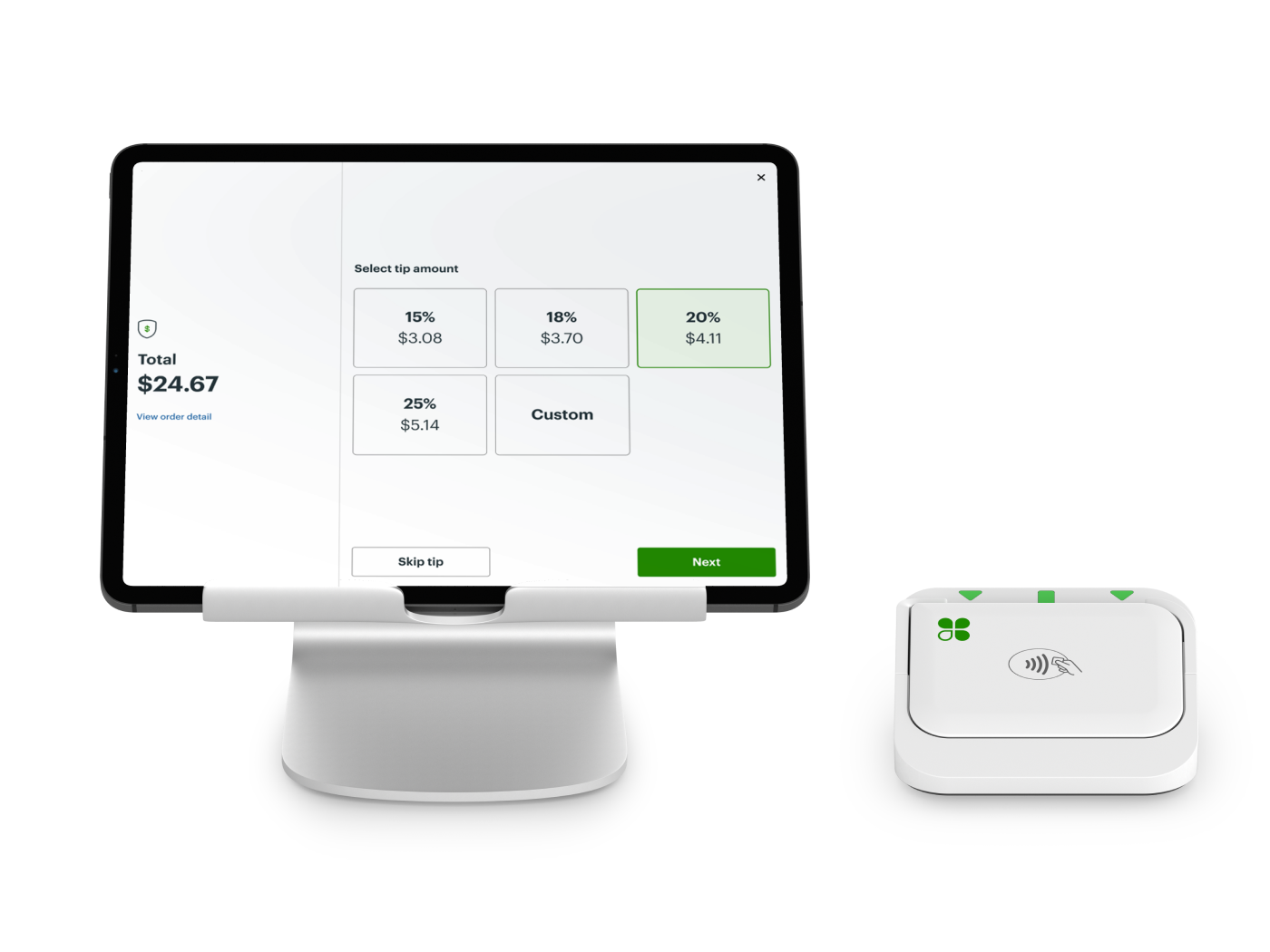
Create, edit, and manage transactions directly from your mobile device. Offer one-touch tipping and process refunds quickly.
Lower Processing Costs
Accept in-person payments with competitive rates and optional dual pricing. Pair with the Go reader for lower card-present fees.
Accept All Payment Types
Supports credit cards, debit cards, Apple Pay, Google Pay, and contactless payments. Take Tap-to-Pay on iPhone while running the Clover Go App.
Clover Go Features Built for Mobility
Configure Your POS Anywhere
Set taxes, tips, and discounts directly from your phone or tablet. Automatically apply service or delivery charges through the POS dashboard.
Sync Across Devices
All transactions sync with your Clover dashboard and other Clover devices. Stay on top of your business from anywhere.
Real-Time Transaction Tracking
View open, pending, and completed transactions instantly. See your entire transaction history whether created from mobile, reader, or another Clover device.
Who Should Use Clover Go?
Clover Go is ideal for:
Contractors and field service providers
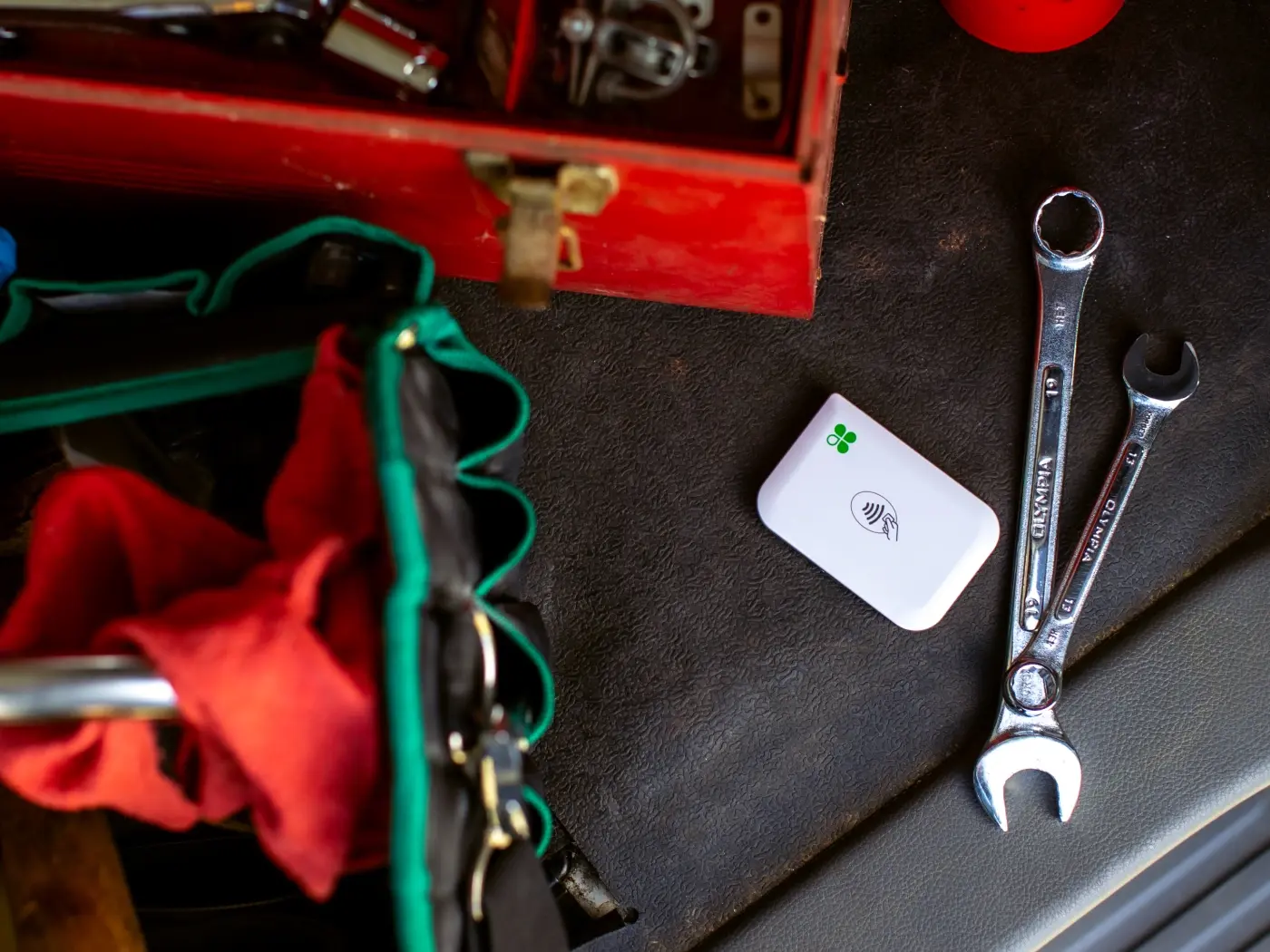
Freelancers, contractors, and mobile businesses that need on-the-go payment acceptance.
Food trucks and mobile vendors
Accept payments right at the customer's door or window with fast tap-and-go transactions.
Event and trade show merchants
Sell products anywhere with a stable Wi-Fi or cellular connection.
Fitness trainers and beauty professionals
Process payments at client locations without bulky equipment.
Delivery drivers and mobile businesses
Turn any smartphone into a mobile POS for deliveries and field services.
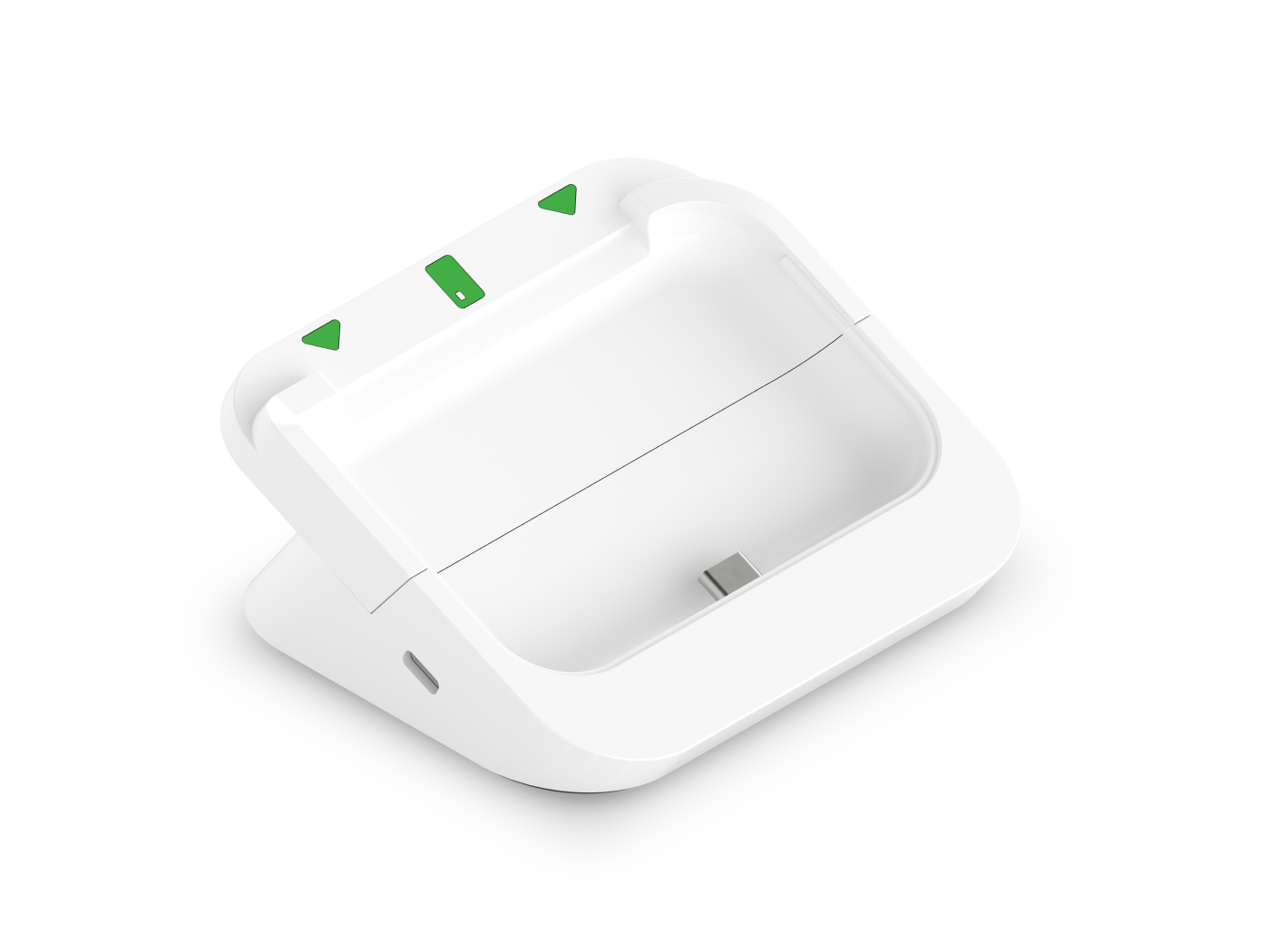
Optional Countertop Setup with Go Dock
Tap to Pay with Clover Go
No Extra Hardware Needed
Accept payments directly on your Clover device without additional equipment.
Secure & PCI-Compliant
Advanced encryption protects every transaction with industry-standard security.
Accepts Multiple Payment Methods
Works with contactless credit/debit cards, Apple Pay, and Google Pay.
Better Customer Experience
Provides a seamless, touch-free checkout that customers love.
Increases Sales
Faster payments mean more transactions and a smoother shopping experience.
Clover Go Pricing Options: Purchase vs Subscription
Two Ways to Get Started
Purchase Clover Go
Best for simple, low-cost entry
Pros:
Cons:
Merchant Solutions Subscription
Best for scaling and long-term use
Pros:
Cons:
Why Businesses Start with Clover Go
Why Most Businesses Choose Subscription
Peace of Mind with Clover Go
FREE OVERNIGHT SHIPPING
Once you're approved, your system will arrive in one business day. *Online orders only.
QUICK AND EASY SET UP
Set up your business and start taking payments all in the same day with the Clover Dashboard.
CONSISTENT RATES
All cards, including AMEX and rewards cards, feature the same low rates.
HELP WHEN YOU NEED IT
Ready to assist you with everything from setting up to troubleshooting.
Clover Go FAQs
Get Clover Go for Your Business Today
Take secure mobile payments anywhere with fast, reliable, and secure mobile payments.
Book a Demo
Explore the Clover Lineup
Payment Solutions