Top 4 SkyTab POS Comparison Software Alternatives 2026
Top 4 SkyTab POS Comparison Software Alternatives 2026
Matching your business with a POS and payment system that actually fits your specific setup is difficult. Many POS solutions require unclear quotes, lack upfront pricing, or force you into hardware or integrations you do not want. This comparison covers pricing, feature depth, and deployment requirements across four SkyTab alternatives so you can select the payment and POS software that fits your operations.
Table of Contents
Merchant Solutions Corp
At a Glance
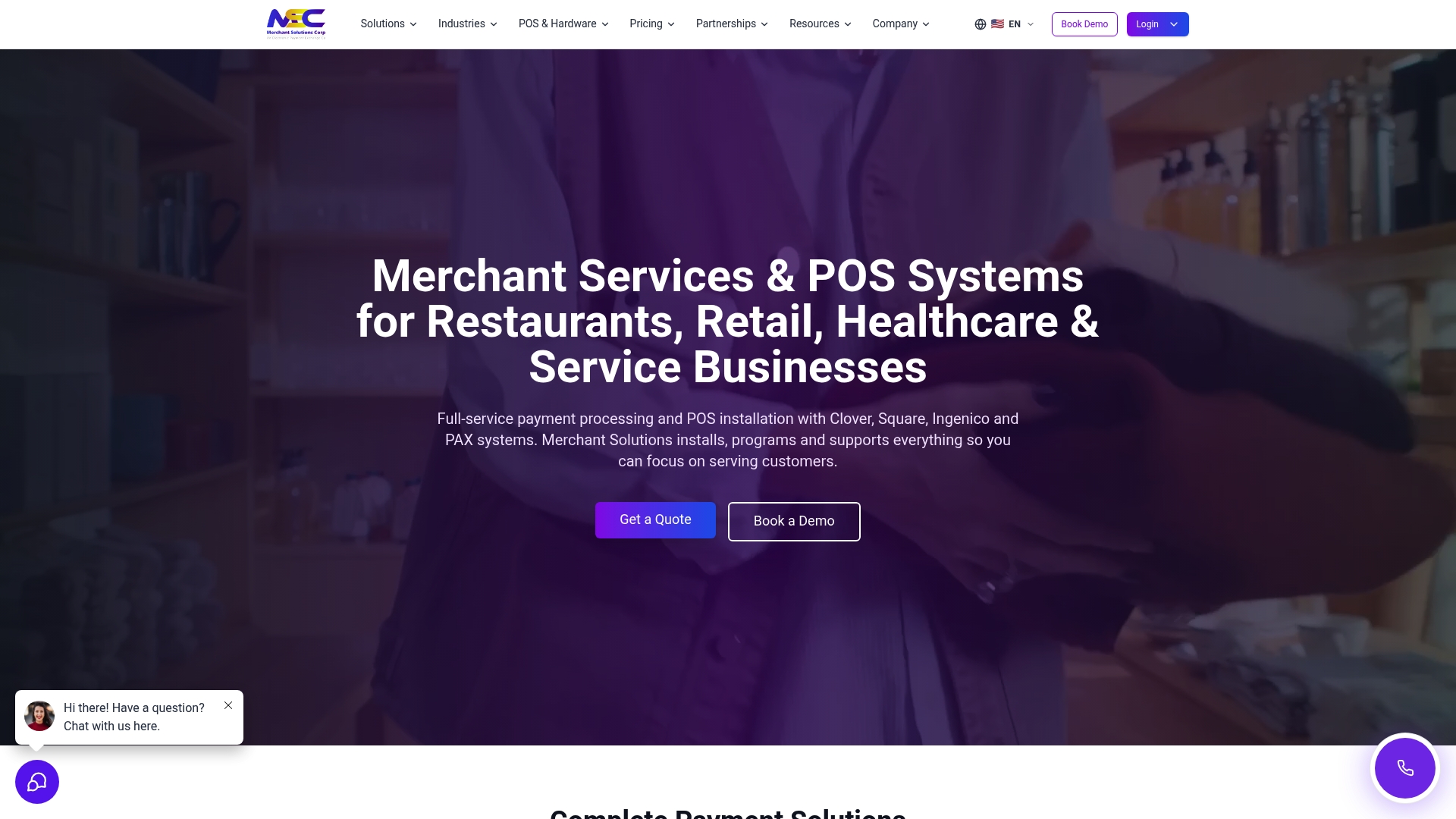
Free POS hardware is available for qualified merchants through Merchant Solutions Corp programs. The company supports credit card and ACH processing alongside in-person and online payments with fraud protection. Merchants can access industry-specific setups and same week POS installation in major metros.
Core Features
Merchant Solutions Corp combines payment processing for all major card types with POS systems from partners such as Clover, Square, and Skytab. The stack includes smart payment terminals from vendors like Dejavoo, Ingenico, PAX, and Verifone, plus online payment and fraud protection. The company also offers ATM placement and revenue sharing using wholesale Hyosung and GenMega equipment.
Key Differentiator
The primary differentiator is the pairing of industry-tailored POS configurations with flexible funding and automation support. That mix allows merchants to get hardware and software configured for restaurants, retail, healthcare, or higher risk sectors. The approach emphasizes transparent programs and options that adapt to each merchant’s transaction profile.
Pros
Free hardware programs and $0 upfront options reduce initial capital outlay for qualified merchants. According to the company, funding options include same day and next day deposits as well as tiers for high risk businesses. The offering also bundles embedded banking, business loans, and financial products to support growth across multiple locations.
Cons
- Pricing varies and specific costs are not listed upfront.
Who It’s For
This fits small and medium business owners in hospitality, retail, healthcare, and high risk categories who need integrated payment and POS systems. It suits merchants who want configured equipment, funding options, and local installation support. Multi location operators who require reporting and fast funding will find the model relevant.
Unique Value Proposition
Free hardware programs with $0 upfront options let merchants deploy POS with minimal capital outlay. That offering shortens time to live because equipment can ship preconfigured and arrive ready for onboarding. Combined with configurable funding and embedded financial products, it lowers the upfront burden of expansion.
Real World Use Case
A restaurant chain deploys Clover POS terminals across locations and uses those funding options to move deposits faster between sites. The chain receives configured equipment, same day funding as advertised, and support from onboarding through daily operations to standardize checkout and reporting.
Pricing
Pricing is not specified and typically varies by industry, transaction volume, and selected services. Bespoke quotes are common for high volume or high risk merchants. Contact Merchant Solutions Corp for a detailed estimate tailored to your setup.
Website: https://merchantsolutionscorp.com
Clover
At a Glance
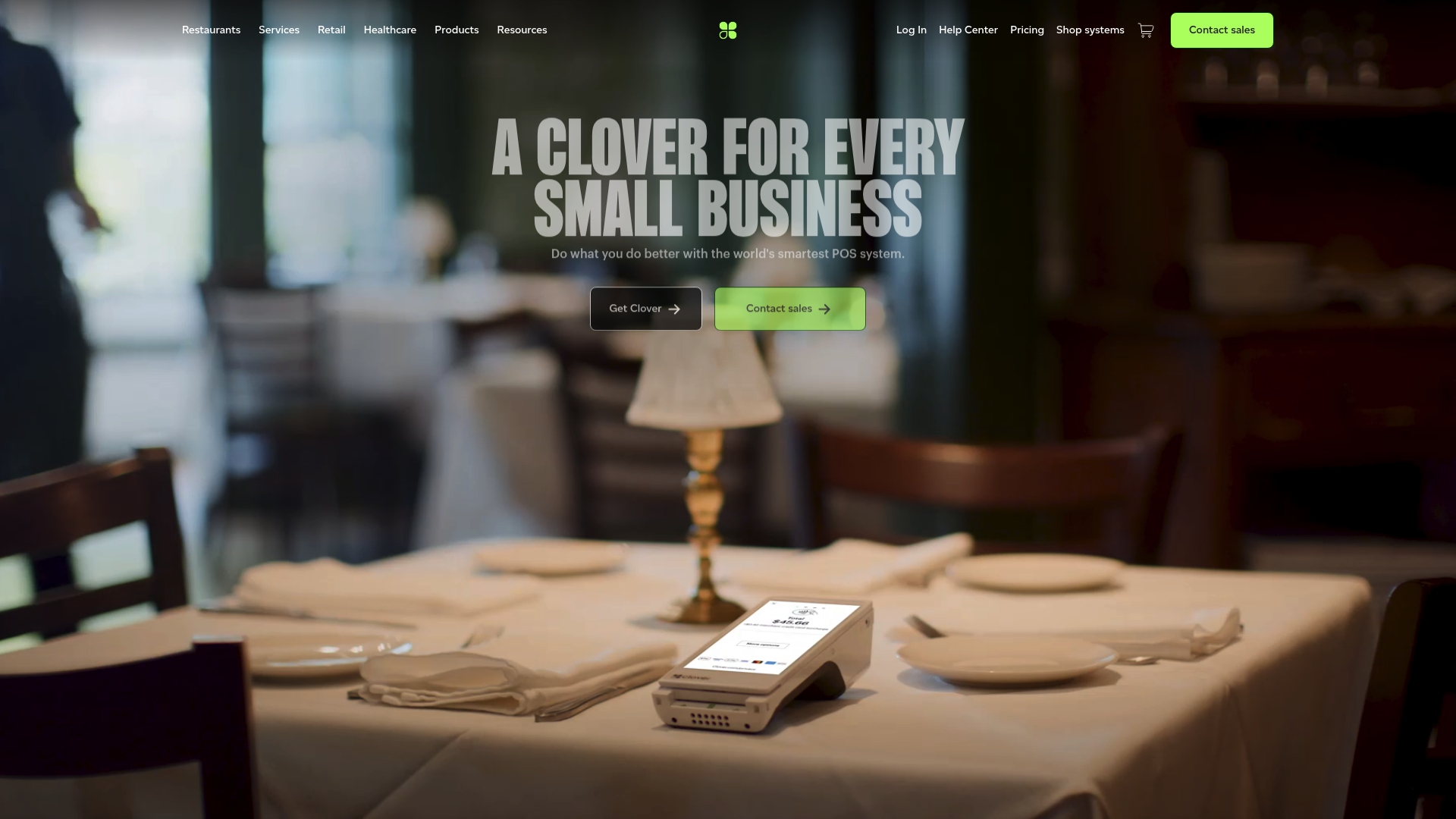
The Clover homepage places visual emphasis on branding and shopping cart features rather than technical specifications. That emphasis signals a merchant-facing approach aimed at retail and hospitality owners. Pricing and detailed integration lists are not published on the site.
Core Features
Clover combines payment processing integration, order management, and business management tools into a single point-of-sale offering. The platform pairs those capabilities with configurable POS hardware and software options to support in-store checkout and order workflows. Merchants can use these bundled functions to handle transactions, basic inventory tasks, and daily sales tracking.
Key Differentiator
Clover positions itself as a customizable point-of-sale and business management package tailored for retail and hospitality merchants. The product leans on visual branding and a shopping cart experience to appeal to stores and restaurants that want an integrated checkout and merchandising presence. That focus suits businesses that prefer an all-in-one terminal and software approach rather than assembling separate best-of-breed tools.
Pros
Clover offers integrated payments and business controls so you manage transactions and basic operations from one system. The interface appears designed for retail workflows and for staff who need a straightforward checkout experience. Brand recognition and the availability of configurable hardware give merchants options when matching countertop, tablet, or mobile terminals to their storefront or dining room.
Cons
- Limited public detail: The site does not disclose deep feature lists or advanced capability descriptions, which makes technical evaluation harder.
- Pricing opacity: Pricing is not published, so total cost of ownership requires direct contact with sales.
- Integration visibility: Specific third-party integrations and API details are not listed on the homepage.
- Scalability questions: Information on advanced scaling or enterprise features is not available from the site content.
When It May Not Fit
If you need a clear public price table or a published list of integrations, Clover may not be a good match. Large chains that require documented enterprise features and scalability proof should confirm capabilities with Clover before choosing it. Developers who need open API documentation for custom integrations will likely need to request those details from sales or support.
Who It’s For
Retail stores and restaurants that want an integrated checkout and business dashboard will find Clover relevant. Small to medium-sized businesses seeking configurable hardware and an off-the-shelf POS experience match this profile. Larger merchants should verify advanced reporting and multi-location features before committing.
Real World Use Case
A regional retail chain deploys Clover terminals at each store to centralize transaction processing and simplify daily reconciliation. Store staff use the order management features to handle returns and exchanges during peak hours. Corporate managers pull consolidated sales reports to compare location performance.
Pricing
Pricing is not listed on Clover’s site. The product data marks pricing as “Not applicable — informational only.” Contact Clover sales for a quote that reflects your hardware choices and payment processing plan.
Website: https://clover.com
SmartTab
At a Glance
SmartTab runs a hybrid cloud architecture that processes transactions locally for speed while syncing to the cloud in real time. That setup supports offline capture of payments and real time reporting across stations. Pricing begins at $150/month and adds station fees for scale.
Core Features
SmartTab pairs local processing with cloud sync to deliver menu updates, reporting, and offline operation from any device. Industry features include rapid tab search, contactless payments, biometric access control, and automated clock out for staff. Guest profiling stores ID verification, spend history, and VIP flags to support service and marketing.
Key Differentiator
The primary differentiator is the hybrid cloud design that keeps critical processing local for instant response during peak service. Cloud sync gives centralized reporting and menu control without sacrificing on floor speed. That combination suits venues that need resilience together with remote management.
Pros
Industry veterans built SmartTab around bar workflows, so quick tab recall and rapid payment capture match busy floor needs. The vendor highlights onboarding, go live assistance, and ongoing remote support, which reduces setup friction for busy operations. Flexible station pricing and offline payment capture protect revenue during connectivity lapses and let managers scale the system across multiple stations.
Cons
- Pricing structure can be complex, with a $150/month base plus tiered station fees that vary by seat count.
- Training is required for staff unfamiliar with modern POS systems.
- Limited public detail on third party integrations may complicate connecting niche apps or accounting packages.
When It May Not Fit
If you run a single small retail counter with basic needs, SmartTab may be more system than you require. Complex station pricing for multi station setups can confuse operators without sales support. Also, venues that rely on many third party apps should verify integration options before committing.
Who It’s For
Bar and nightclub owners with high throughput gain the most from SmartTab. Managers who need real time guest profiles, staff controls, and offline payment capture find the feature mix useful. Operators planning multiple stations or centralized reporting will benefit from the hybrid approach.
Real World Use Case
A busy nightlife venue uses SmartTab to process tabs quickly during peak hours while syncing sales to a central dashboard after close. Staff use biometric access and VIP tags to speed service and protect cash handling. Managers then use sales reports to adjust staffing and drink offers the next week.
Pricing
Pricing starts with a $150/month base fee. Additional stations cost $50/month for the first extra station, $25/month for stations two through six, and custom quotes apply for seven or more stations.
Website: https://smarttab.com
Adora POS
At a Glance
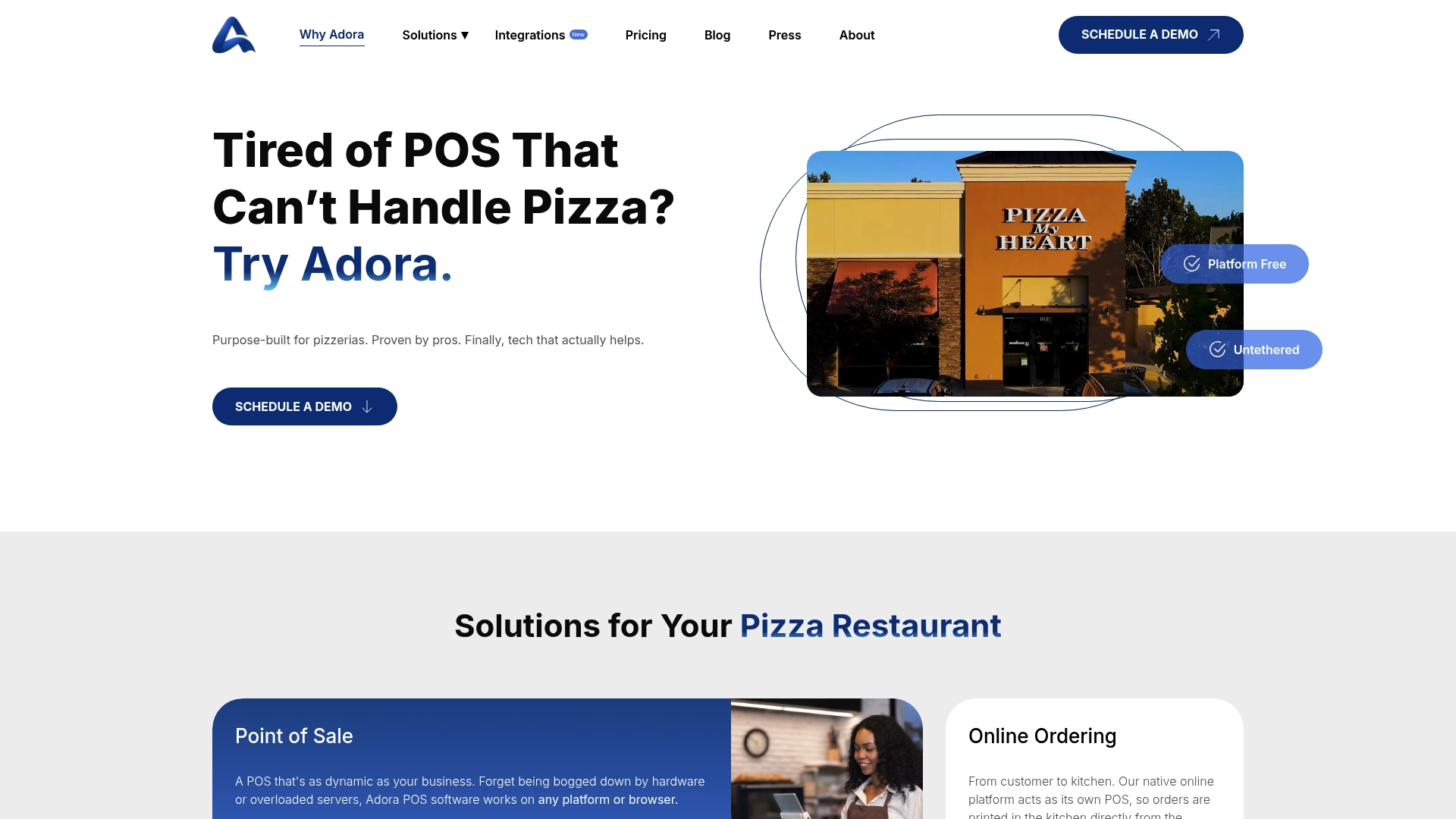
Core POS Online starts at $69/month, making Adora POS a clear entry option for pizza shops that want native online ordering and delivery features without custom development. The vendor positions the product for chains and high-volume restaurants. The platform is browser based so managers can access data from any device.
Core Features
Adora delivers a cloud based POS that runs on a variety of hardware and supports a native online ordering storefront. The system includes a kitchen display system with order prioritization and integrated delivery management that uses Google Maps for routing. Menu customization, discounts, and loyalty controls sit alongside inventory tools for front of house and back of house operations.
Key Differentiator
Adora is purpose built for pizza operations with features tuned to common pizza workflows. That focus covers order types such as carryout, delivery, and third party marketplace orders and matches delivery routing with kitchen priorities. The result is a narrower feature set targeted at pizzerias rather than a generic restaurant POS.
Pros
Adora offers a flexible, browser based platform so you can run terminals, tablets, or desktops without vendor locked hardware. Its native online ordering and marketplace integrations reduce double entry and simplify delivery consolidation. The delivery tools integrate mapping for route guidance while KDS controls help kitchens handle surge volume. Vendor materials also emphasize ongoing updates and support driven by franchise and chain feedback.
Cons
-
Pricing and the available feature set may feel complex for very small single location restaurants that do not need delivery or advanced inventory.
-
Public materials provide limited detail about specific add ons and optional modules, which makes exact scope assessment harder before a demo.
-
Some operators report concerns about perceived product bloat and third party review variance, which suggests vetting with a trial or pilot.
When It May Not Fit
If you operate a very small cafe or a single location with only counter sales, the delivery and multiunit management features are likely excessive. Multiunit chains that require an on premises server or offline first operation should confirm Adora’s offline capabilities because public details are limited. Restaurants wanting broad restaurant category coverage rather than a pizza centric workflow should look at more general POS options.
Notable Integrations
Adora connects with major delivery marketplaces and payment or back office platforms. Key integrations include:
-
DoorDash, Uber Eats, and GrubHub for marketplace order flow.
-
Heartland, WorldPay, and LevelUP for payments and loyalty.
-
Paycom and Restaurant 365 for payroll and back of house accounting.
Who It’s For
Pizza restaurant owners and operators who need integrated online ordering and delivery route management will find the feature set relevant. Multiunit pizza chains that want centralized menu and inventory control benefit from the browser based admin tools. Fast casual pizza concepts that plan to scale delivery and marketplaces also fit the profile.
Real World Use Case
A regional pizza chain unified online sales across six locations using Adora to reduce order duplication from marketplaces. Managers used the KDS to prioritize oven load and the delivery tools to minimize travel time across neighborhoods. Corporate reporting became consistent because the chain accessed the same browser based dashboard at each store.
Pricing
Core POS Online starts at $69/month, with enterprise options available as customizable packages for multiunit operators. Enterprise pricing requires a quote that reflects additional modules such as delivery routing, loyalty programs, or advanced integrations.
Website: https://adorapos.com
Comparison of alternatives
Merchant Solutions Corp offers a distinct combination of tailored POS solutions and direct integration options, making it a versatile contender in the payment solutions space. When comparing alternative POS systems, understanding their unique features and trade-offs helps ensure the best choice for your business needs.
Customization and industry-specific features
Merchant Solutions Corp stands out by providing industry-specific POS configurations with pre-installed and programmed hardware tailored to restaurants, retail, healthcare, and more. In contrast, services like Clover emphasize user-friendly interfaces and simplified operational workflows, appealing to small-scale retail and hospitality businesses. For organizations that require tools like delivery routing or multi-location inventory management found in Adora POS, Merchant Solutions’ bespoke programming service offers versatility at the expense of requiring quote-based consultations.
Price and scalability aspects
Merchant Solutions provides free hardware programs and flexible funding options for qualified merchants, which facilitate an attractive initial investment. SmartTab incorporates a variable pricing structure, including offline synchronization capability, catering to establishments needing resilience during peak connectivity requirements. Business operators looking for straightforward monthly pricing with clear delineations should consider these alternatives and evaluate complexity preferences with organizational budgets.
Best fit
- Hospitality and retail owners wanting quick setup and free hardware. Merchant Solutions’ program of eligibility-based hardware assistance supports minimal startup costs, an excellent choice for newly established businesses.
- Small businesses valuing straightforward user interfaces. Clover’s integrated terminal systems and comprehensible dashboards cater particularly well to businesses focusing on simple and efficient single-location operations.
- Restaurants needing localized reporting and hybrid operational capabilities. SmartTab’s hybrid approach, combining local resilience with centralized cloud reporting, is ideal for high-volume service venues like restaurants and entertainment centers.
Our pick
Merchant Solutions Corp excels for businesses prioritizing industry-tailored equipment, incorporating integrations with financial solutions such as embedded banking services that aid in operations. While alternatives emphasize specific strengths, such as SmartTab’s real-time cloud sync and Clover’s approachable interface, Merchant Solutions’ approach and unique offerings, like free hardware and custom configurations, position it as the choice for enterprises aiming to align operations with unique sector-specific demands.
Merchantsolutionscorp excels through its industry-specific POS configurations paired with flexible funding support, enabling tailored operations for various sectors.
| Product | Key Differentiator | Core Features | Pricing | Limitation |
|---|---|---|---|---|
| Merchantsolutionscorp | Industry-specific POS configurations | Free hardware, ACH processing, fraud protection | Price not published | Pricing not listed upfront |
| Clover | Customizable POS and business dashboard | Integrated payments and business controls | Price not published | Limited enterprise scalability information |
| SmartTab | Hybrid cloud architecture | Local transaction processing, real-time reporting | Starts at $150/month | Complex station pricing structure |
| Adora POS | Pizza-focused POS streamlining | Delivery management, online ordering, KDS | $69/month | Limited scope for non-pizza operations |
What challenges arise when comparing SkyTab POS alternatives?
Choosing the right POS system involves weighing features like offline payment processing, real-time reporting, and user-friendly staff controls. Many merchants in bars, restaurants, and retail worry about setup complexity, pricing transparency, and integrating hardware without delays.
Merchantsolutionscorp addresses these needs by offering free hardware with $0 upfront costs and industry-specific setups tailored for restaurants, retail, healthcare, and high-risk businesses. Their partnerships with Clover, Square, and others enable faster installation with configured equipment and flexible funding options to support multi-location growth.
Learn how Merchantsolutionscorp simplifies PCI DSS compliance, enhances payment security, and accelerates time to live. Visit Merchantsolutionscorp to review available POS solutions and find out how configured hardware and next-day funding can improve daily operations.
FAQ
How does Merchantsolutionscorp’s POS installation support benefit multi-location operators?
Merchantsolutionscorp provides same week POS installation in major metros, ideal for multi-location operators looking for quick deployment. This feature enables businesses to standardize operations and reporting across different sites. As a result, you can get your locations up and running efficiently, maintaining consistent service levels.
What is the difference between Clover and Merchantsolutionscorp in terms of integrated payment features?
Clover offers customizable payment solutions with integrated business management tools for retail and hospitality merchants. Merchantsolutionscorp, however, stands out with its industry-specific setups and free POS hardware for qualified merchants, catering to a wider range of business types. This means you can find a tailored solution that fits your specific industry needs more closely with Merchantsolutionscorp.
Can I expect upfront costs when using Merchantsolutionscorp for POS systems?
Merchantsolutionscorp provides free hardware programs and offers $0 upfront options for qualified merchants. This structure reduces the initial capital outlay, making it more accessible to businesses starting or expanding. You can begin using their systems without substantial financial commitment upfront.
Does Merchantsolutionscorp support high-risk business funding options?
Merchantsolutionscorp offers funding options, including same day and next day deposits, specifically for high-risk businesses. This supportive approach ensures that even businesses in challenging sectors can access financial assistance. You can benefit from flexible funding solutions designed with your industry’s unique needs in mind.
What are the reporting capabilities offered by Merchantsolutionscorp for multi-location operations?
Merchantsolutionscorp provides centralized reporting that allows multi-location operators to track performance across all sites effectively. This feature enables you to analyze data consistently and make informed decisions for each location. As a result, you can more easily identify growth opportunities and streamline operations across your business.